
Discussions
Members' threads on markets, trade ideas followed from prices, and private messages.
The page
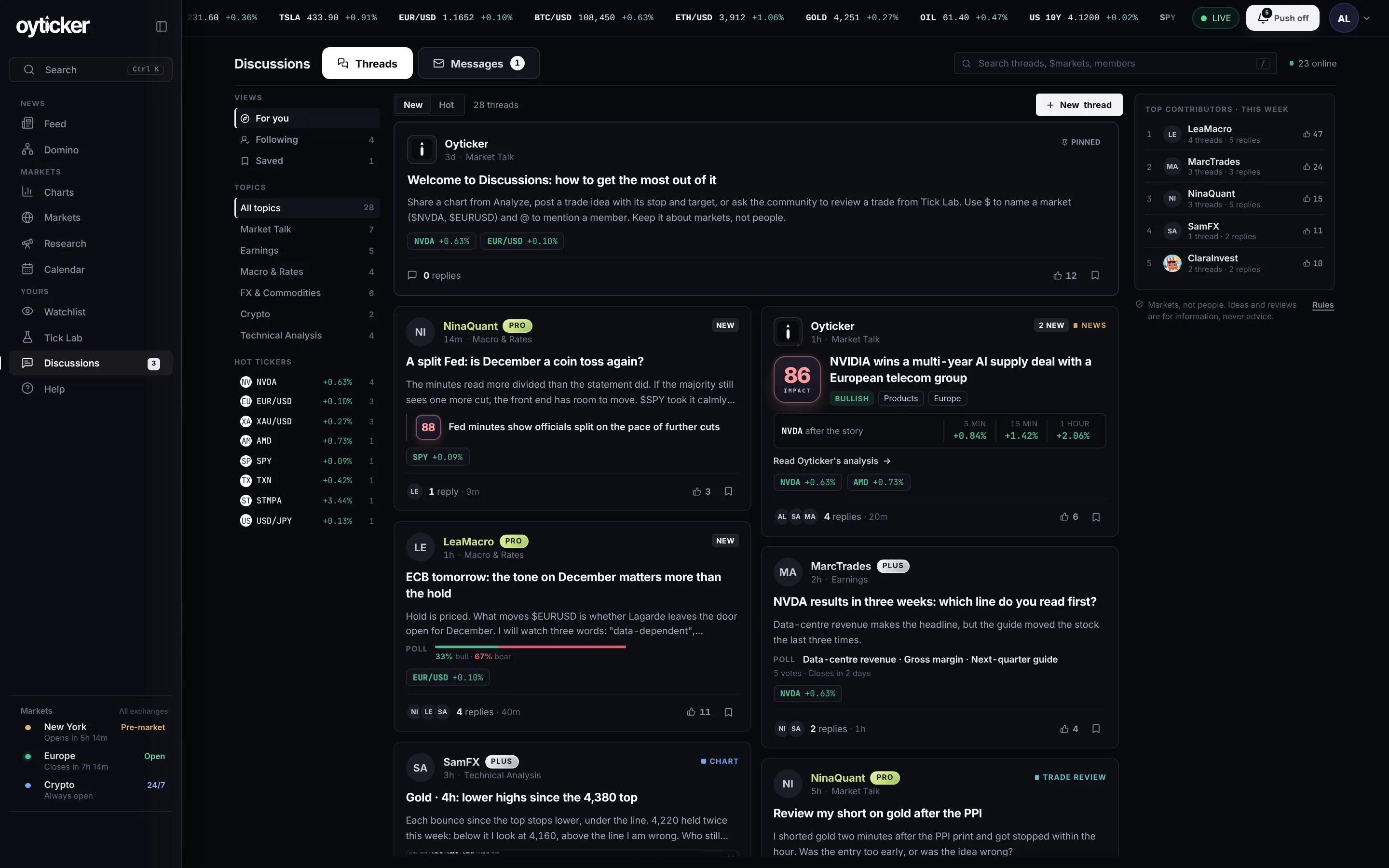
What members write about markets, the latest first. A new thread enters the list on its own while you are at its top.
The left column narrows the list: your own views, six topics, and the markets most discussed.
The five members whose threads and replies counted most this week, with the likes they received. A name opens the member's page.
Markets, not people. Ideas and reviews are for information, never advice. Rules opens the terms.
At the end of the bar: a post, or a trade idea.
Finding threads
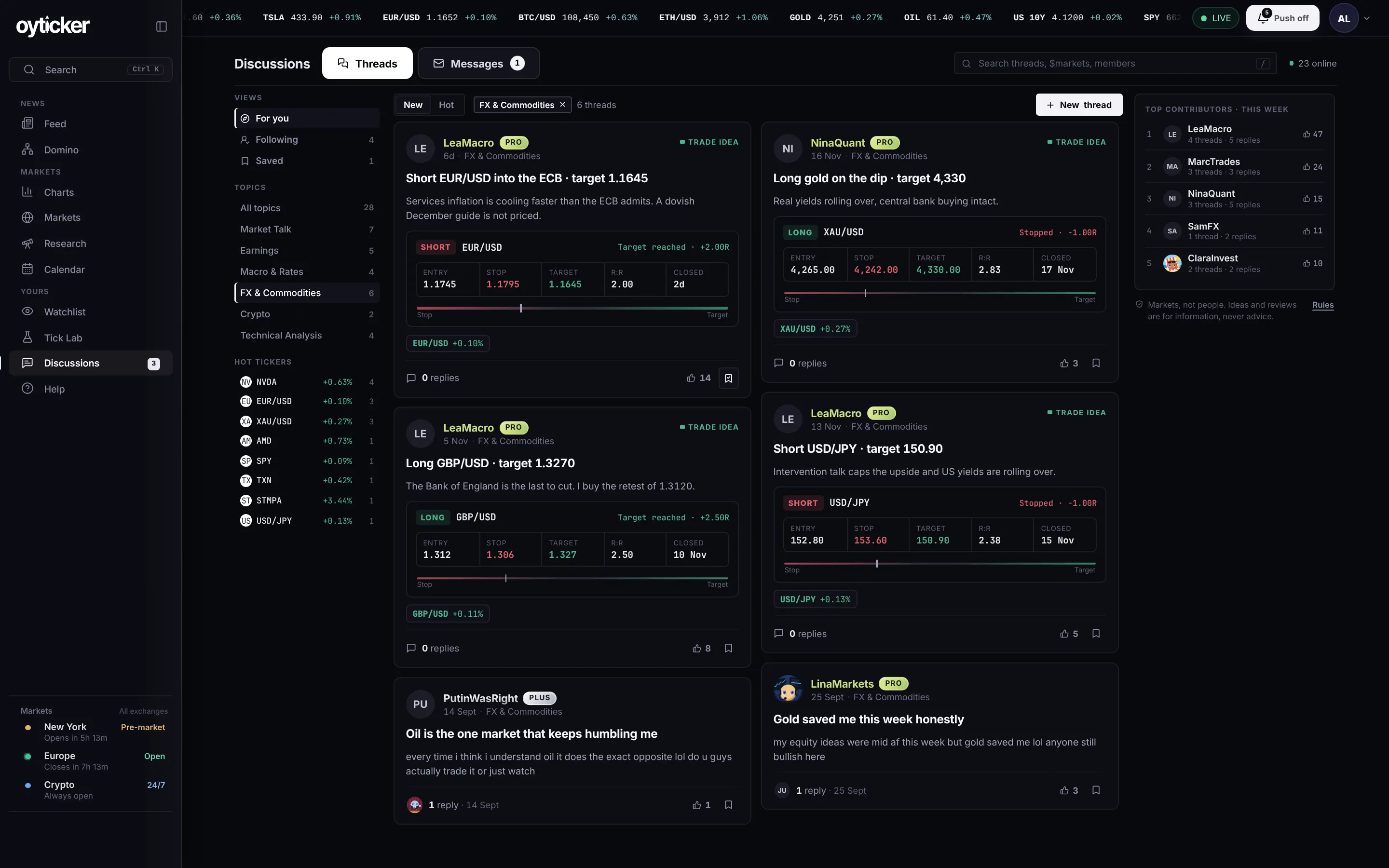
Six topics, each with its number of threads.
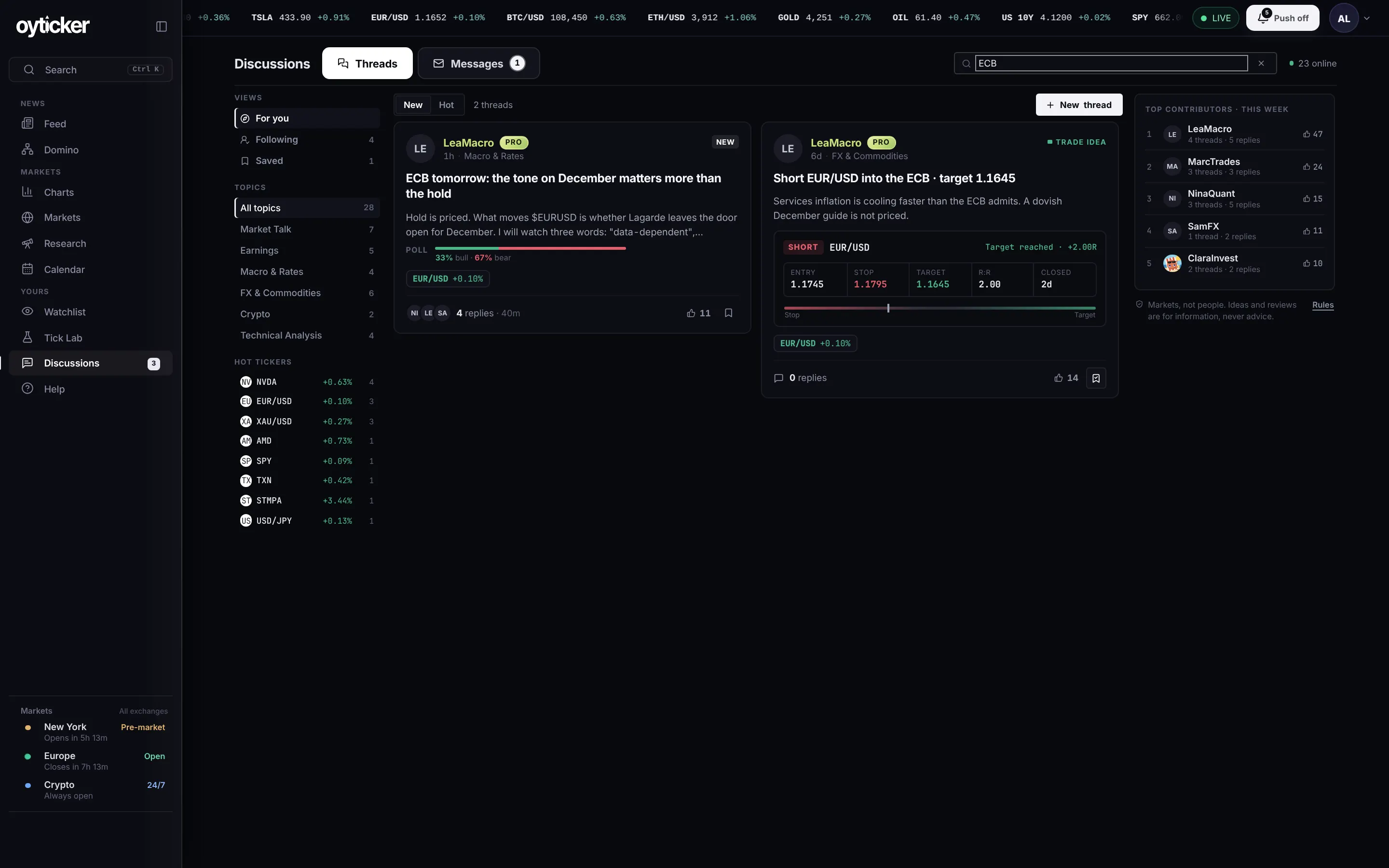
Only FX & Commodities remains. The chip beside the count removes the filter.
The markets named in the most active threads, with their move of the day and their number of threads.
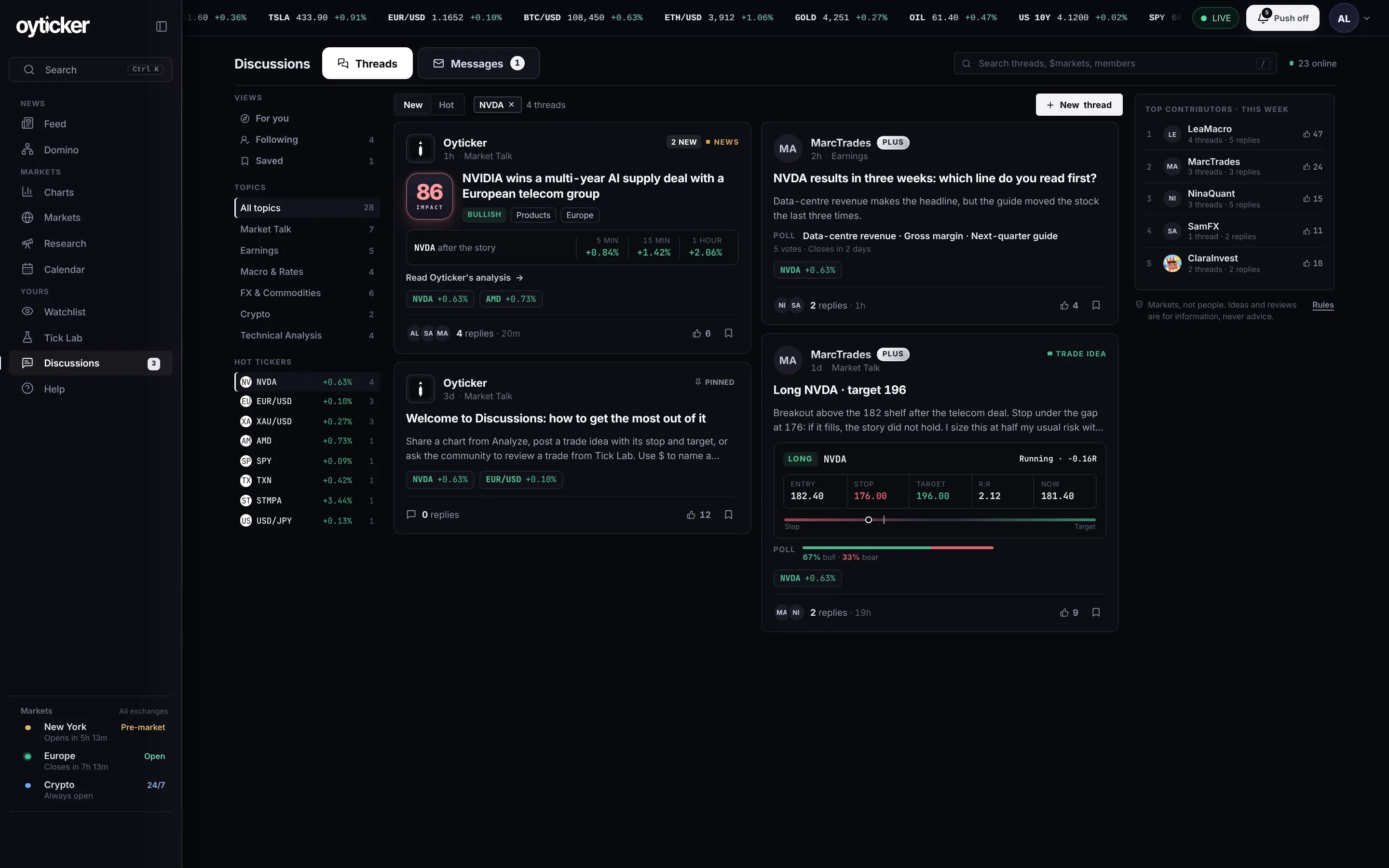
Every thread that names NVDA, whatever its topic or its kind.
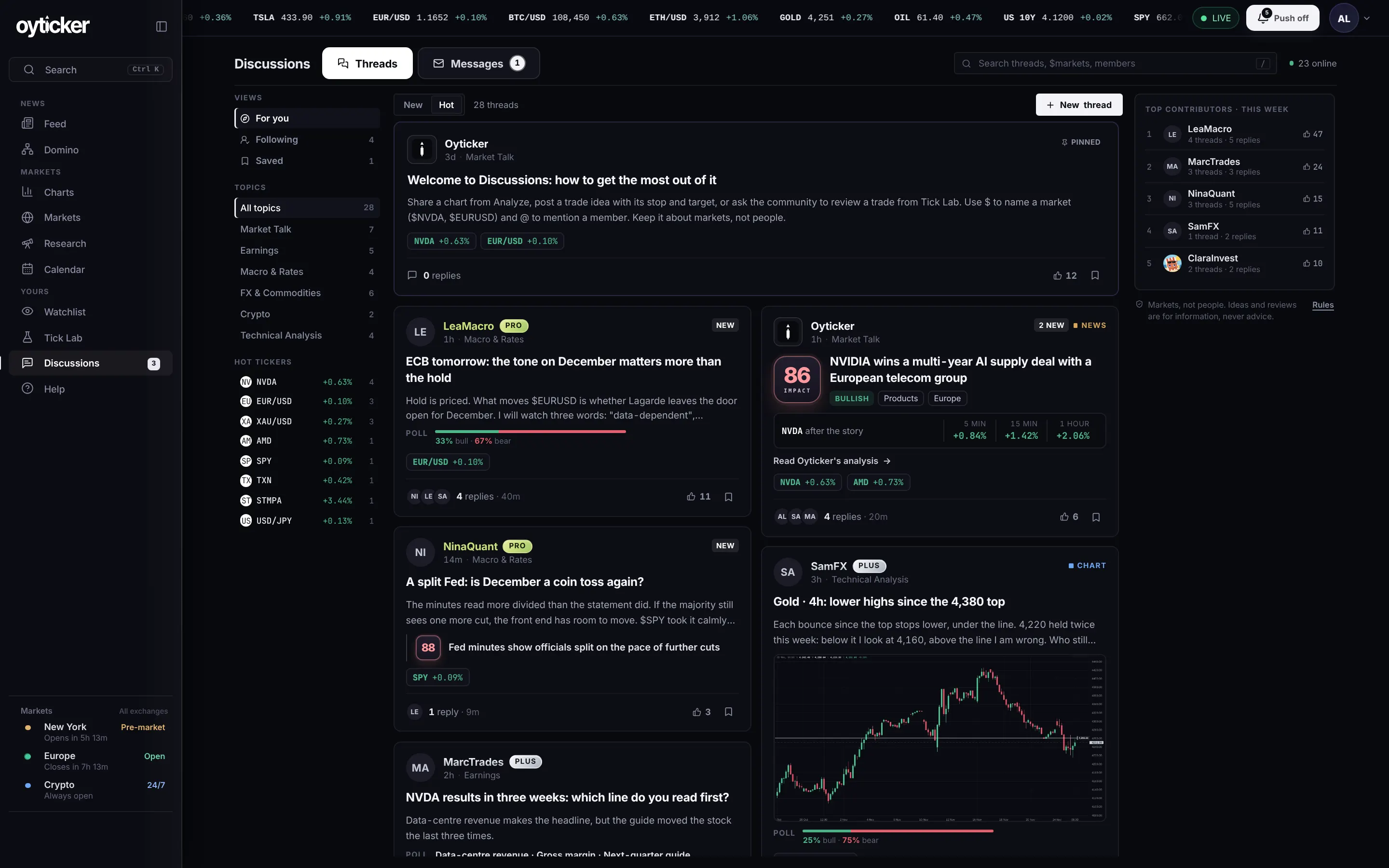
New lists the latest threads first.
Likes, replies and votes put a thread first; the count fades as the thread ages, and a fresh reply lifts it again.
Words of a thread or of its replies, a market, a member's name. The / key goes to the field.
The list keeps the threads that hold the words, as you type.
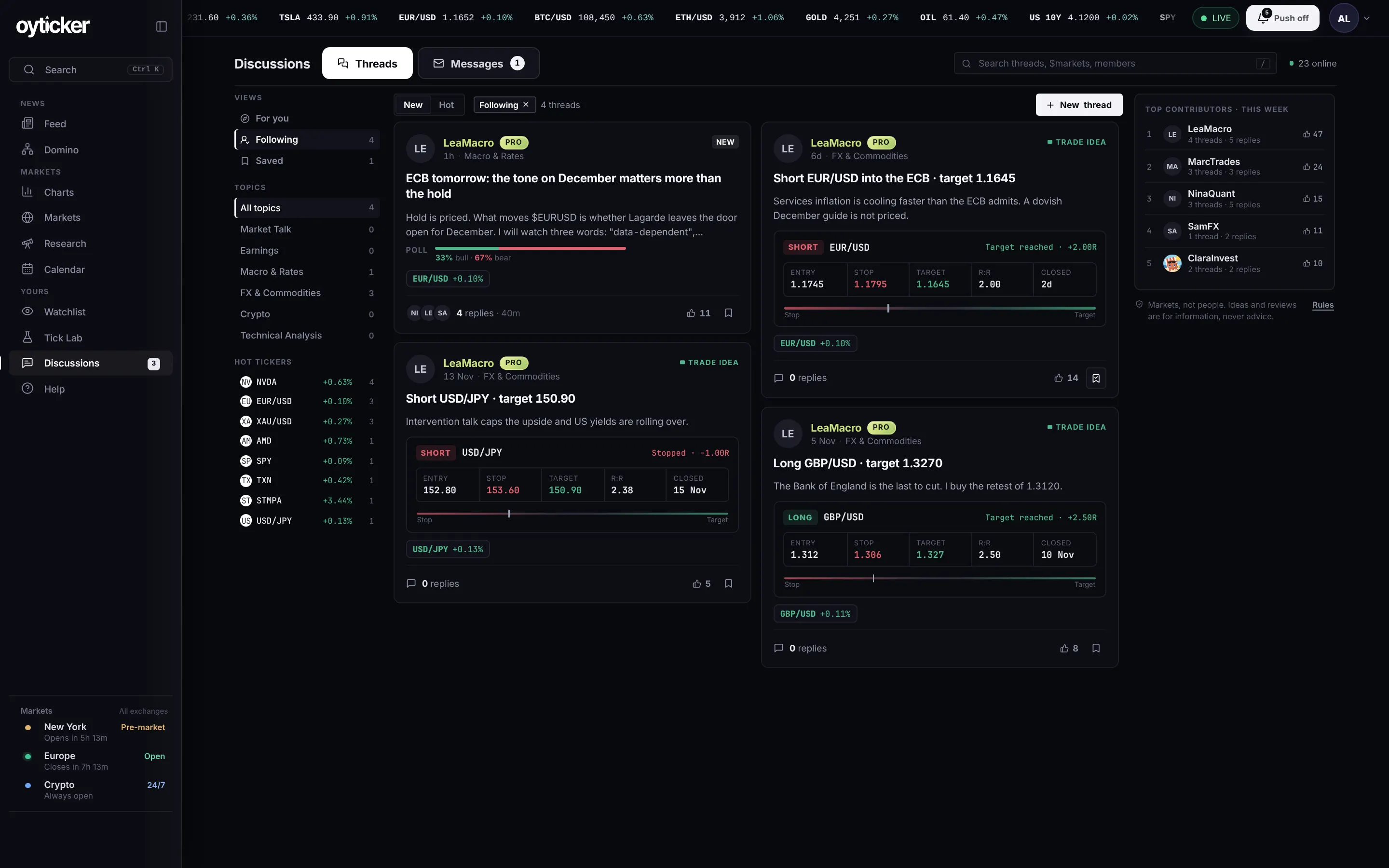
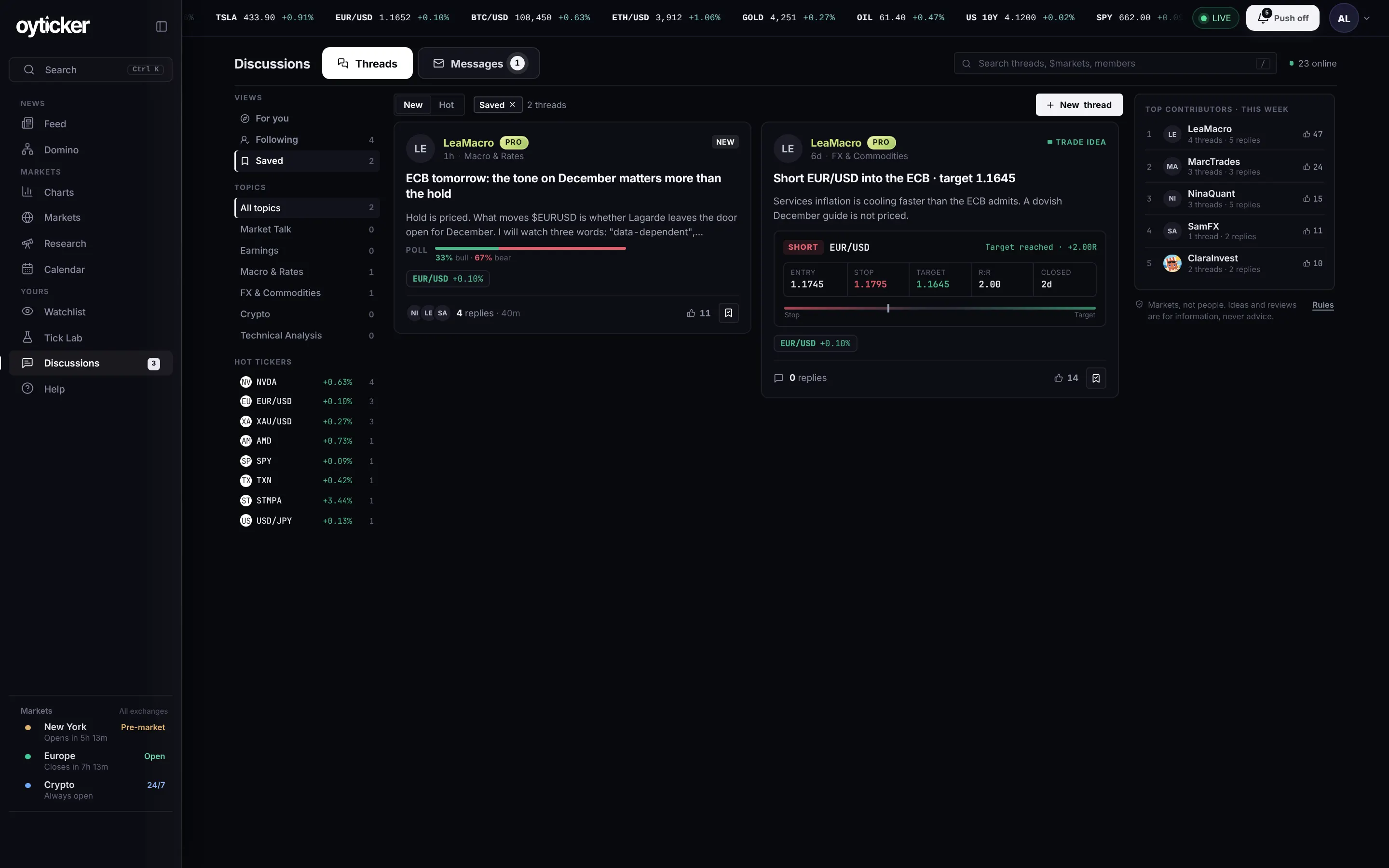
For you is every thread. The two others are your own lists.
The threads of the members you follow.
The bookmark, on a card or above an open thread.
The threads you kept, to come back to. The bookmark again removes one.
Reading a card
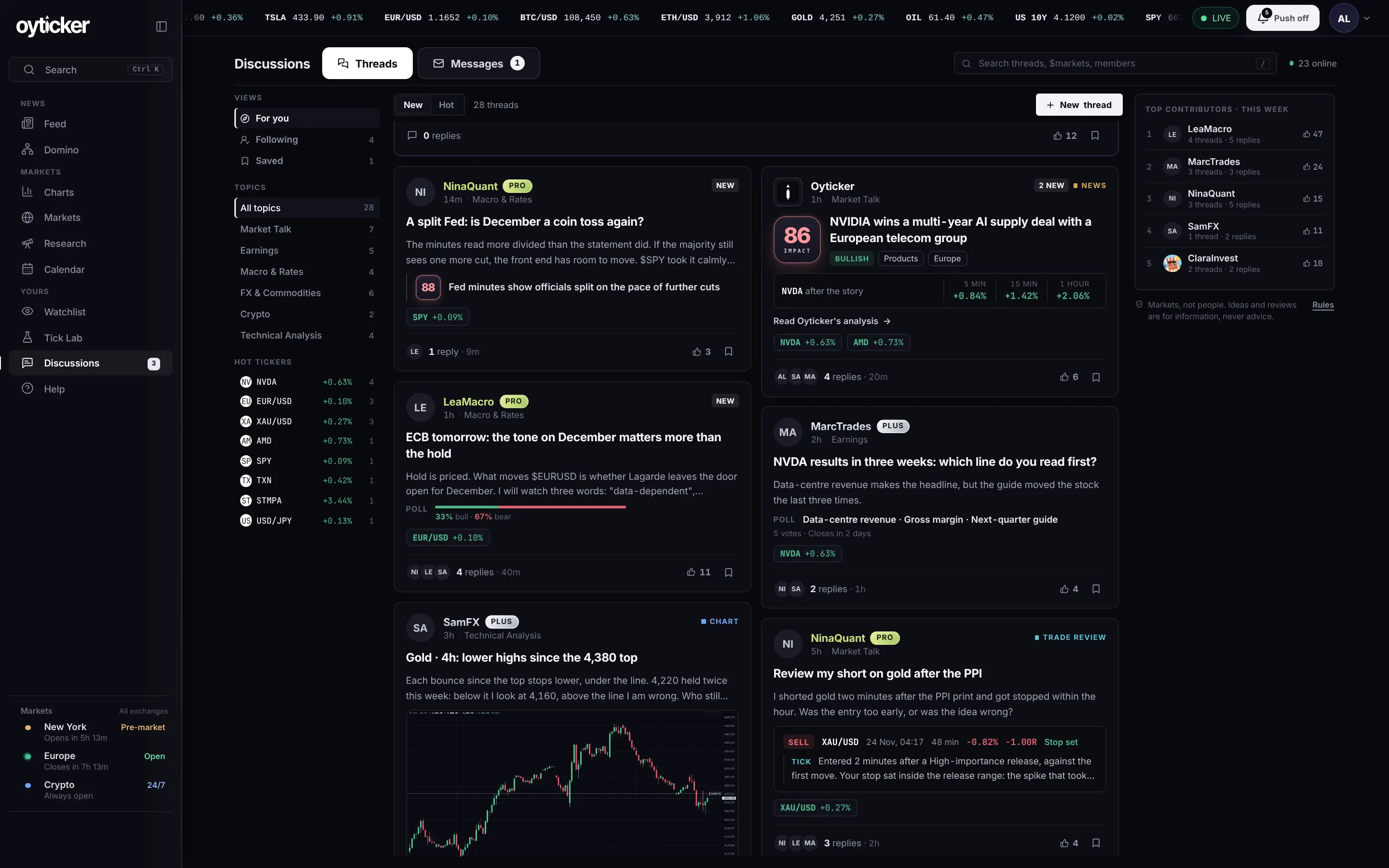
A name opens the member's page. New marks a thread published since your last visit.
The share of Bull and Bear votes so far.
Each market the thread names, with its move of the day. A chip opens the market in Analyze.
The last members who replied and when, the likes, and the bookmark.
“2 new”: replies that came since you last opened the thread. “@ you” marks a thread that mentions you.
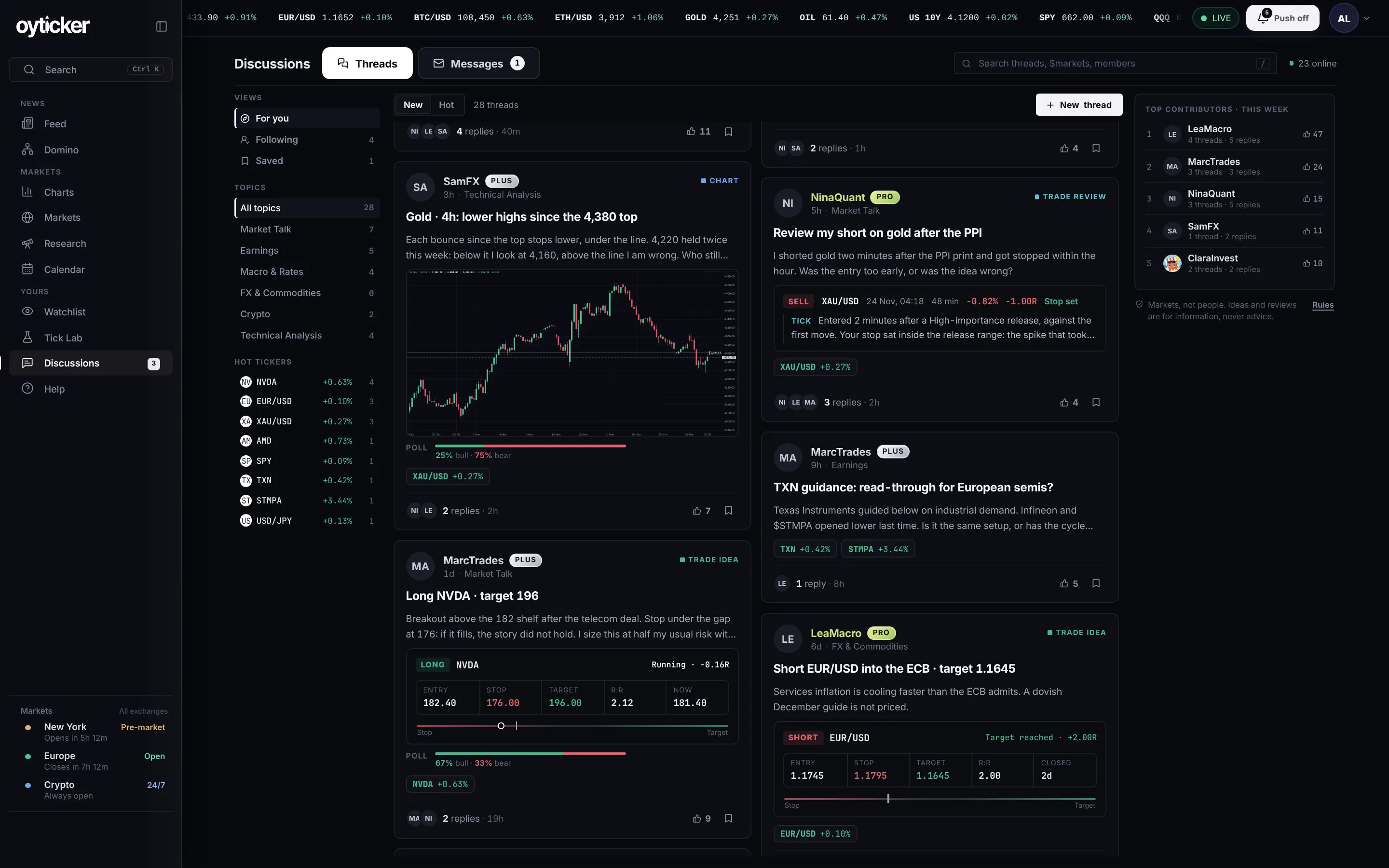
Opened by Oyticker for a story of high impact: its impact score, its tone, and the main market's move 5 minutes, 15 minutes and an hour after it.
A member's own thread on a story of the Feed. The line with the impact and the headline leads to the story.
The member's own answers, the votes so far and when it closes.
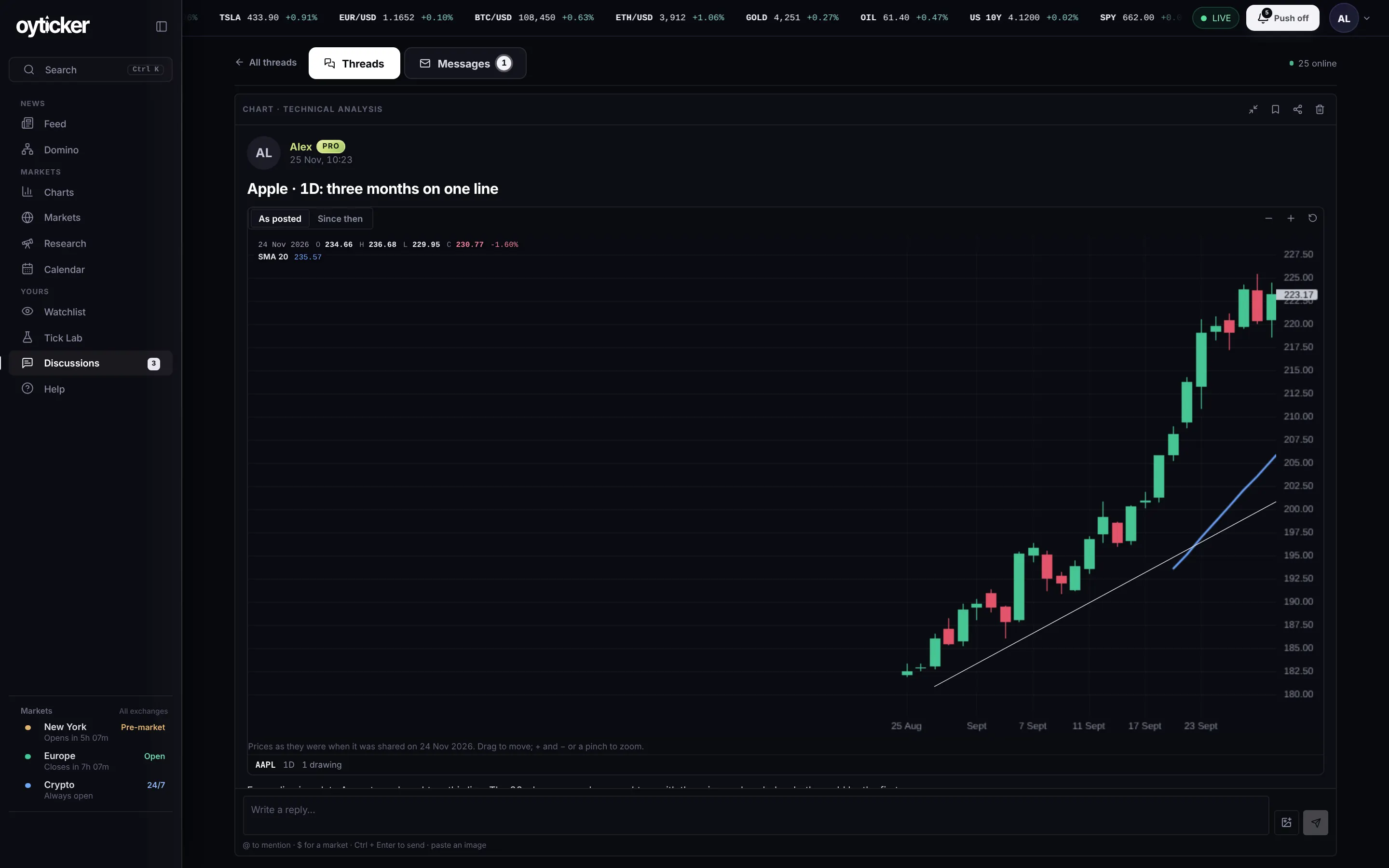
Shared from Analyze with its drawings. The thread holds the chart itself, to move and zoom, or its picture.
A trade from Tick Lab put to the community: side, market, duration, result in % and in R, the stop, and Tick's note. Never an amount.
A side, an entry, a stop and a target. Oyticker follows it from market prices and writes where it stands.
A thread
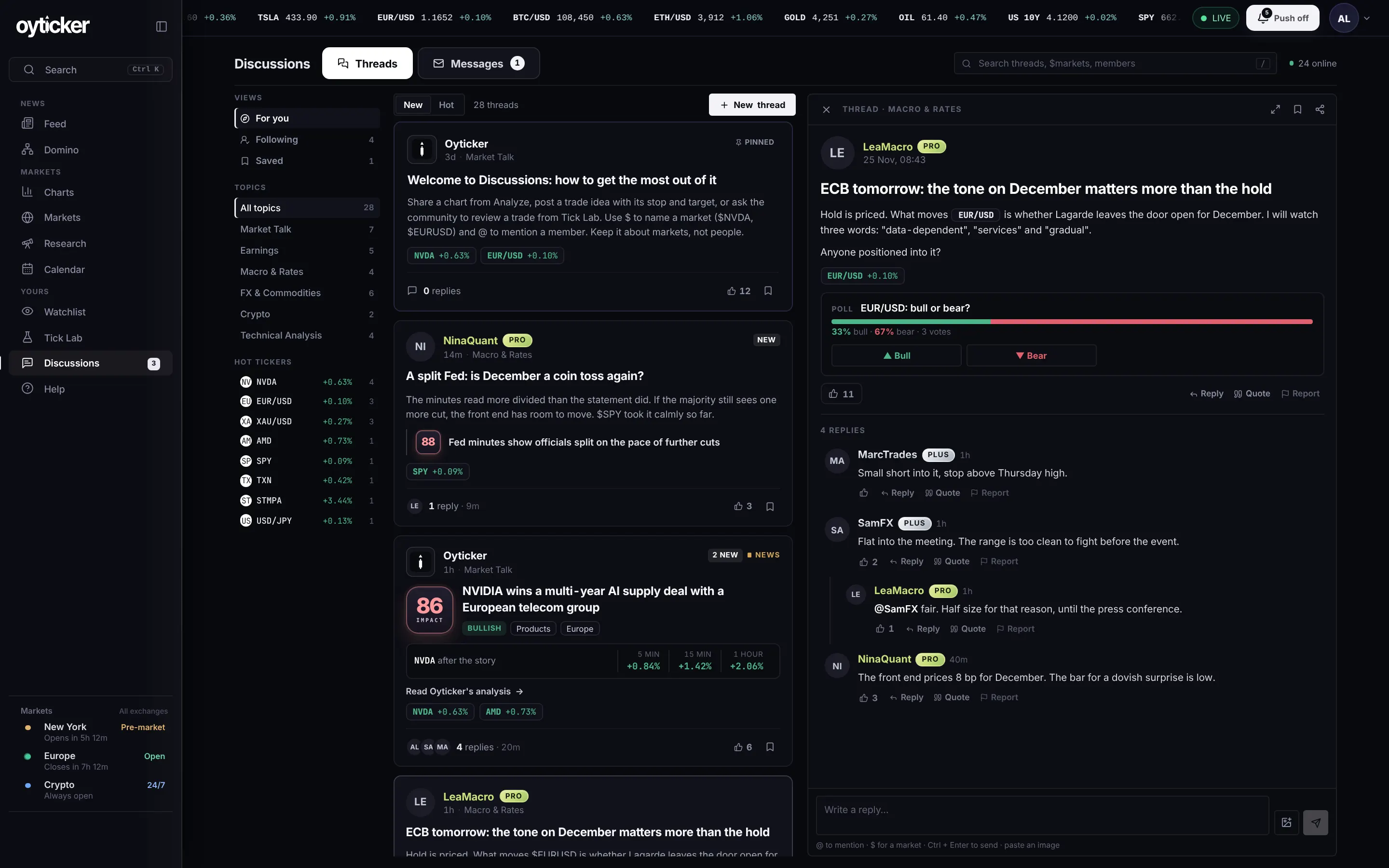
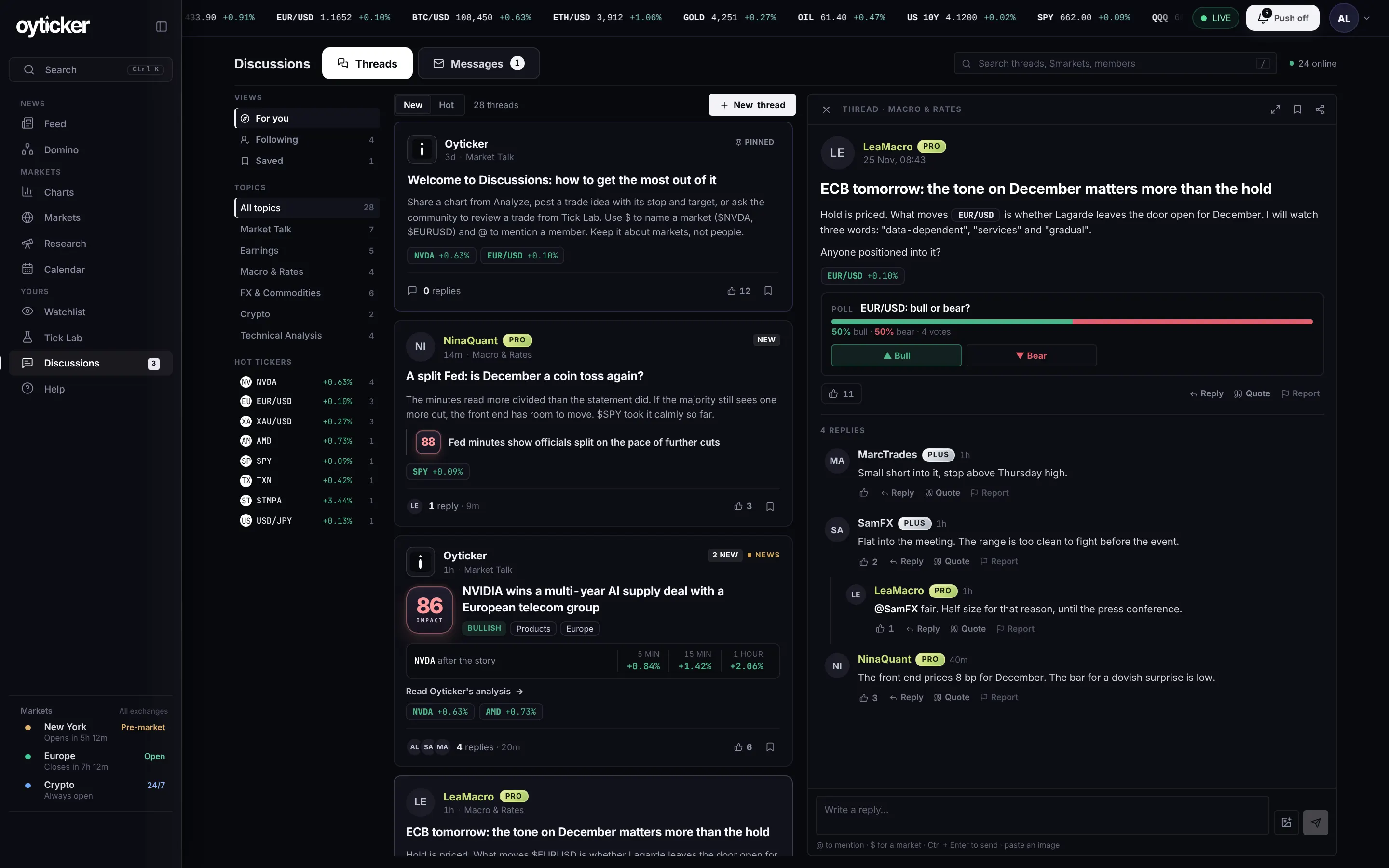
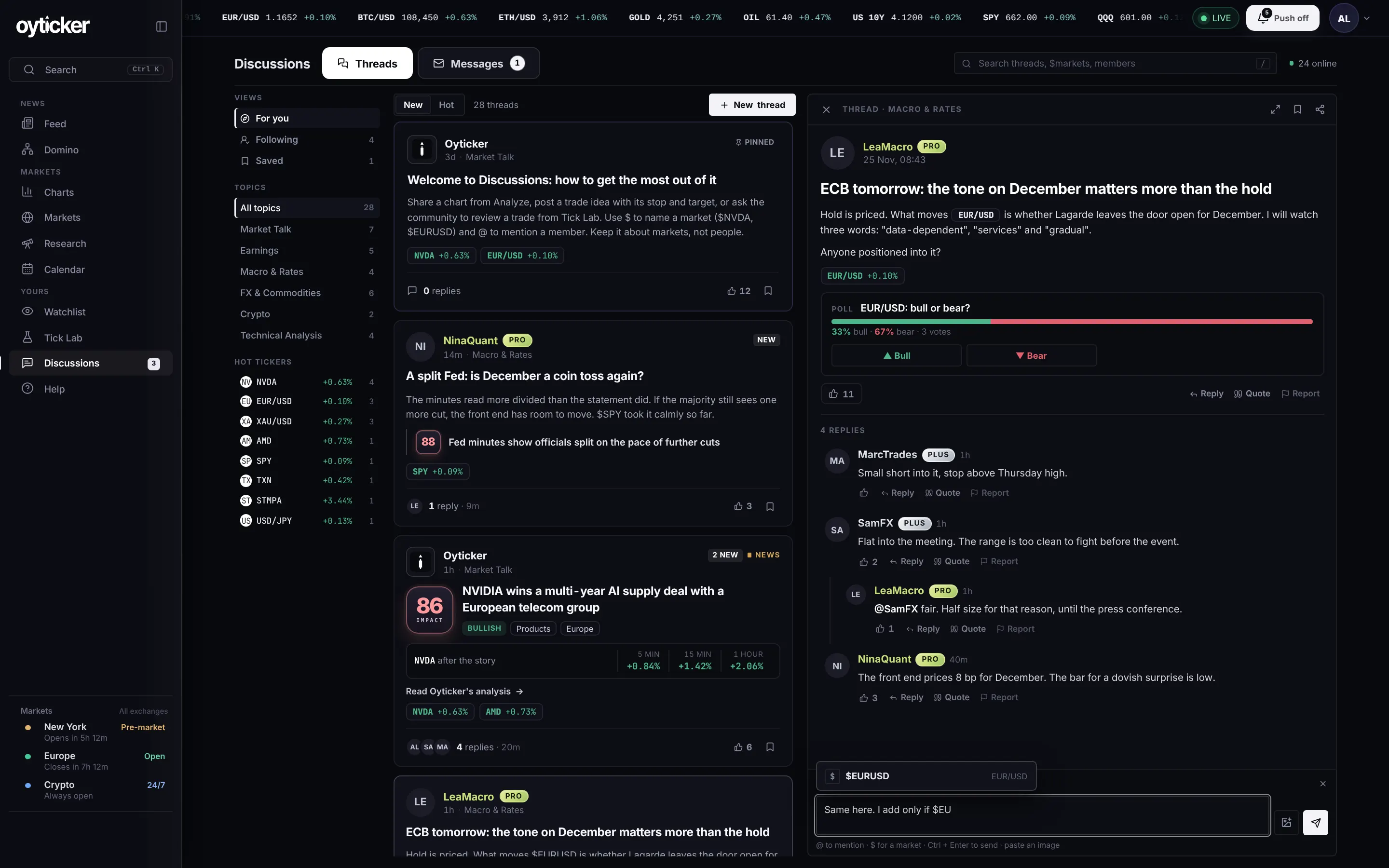
It opens beside the list, which stays where it was. Esc closes it.
The full text, the markets it names and its poll. Like, Reply, Quote and Report sit under it.
Bull or Bear, on the thread's market.
Your side is lit and the shares change at once. Press it again to take the vote back.
An answer to a reply sits under it. Each reply has its own like, Reply, Quote and Report.
$ suggests markets and @ members as you type. An image can be attached or pasted. Ctrl + Enter sends.
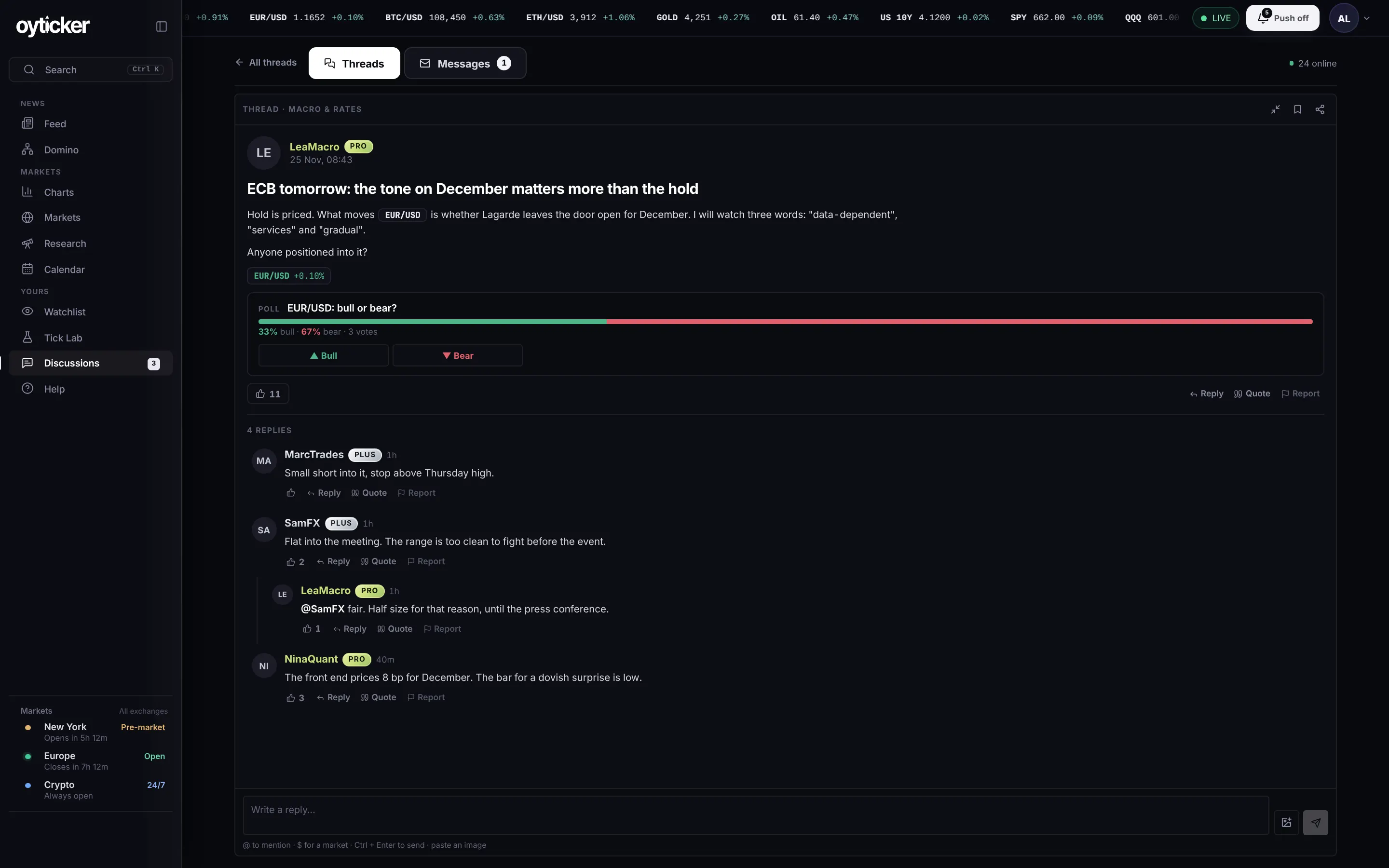
The arrows put the thread across the whole page, at an address of its own.
The same thread, wider. The arrows again, or All threads, bring the list back.
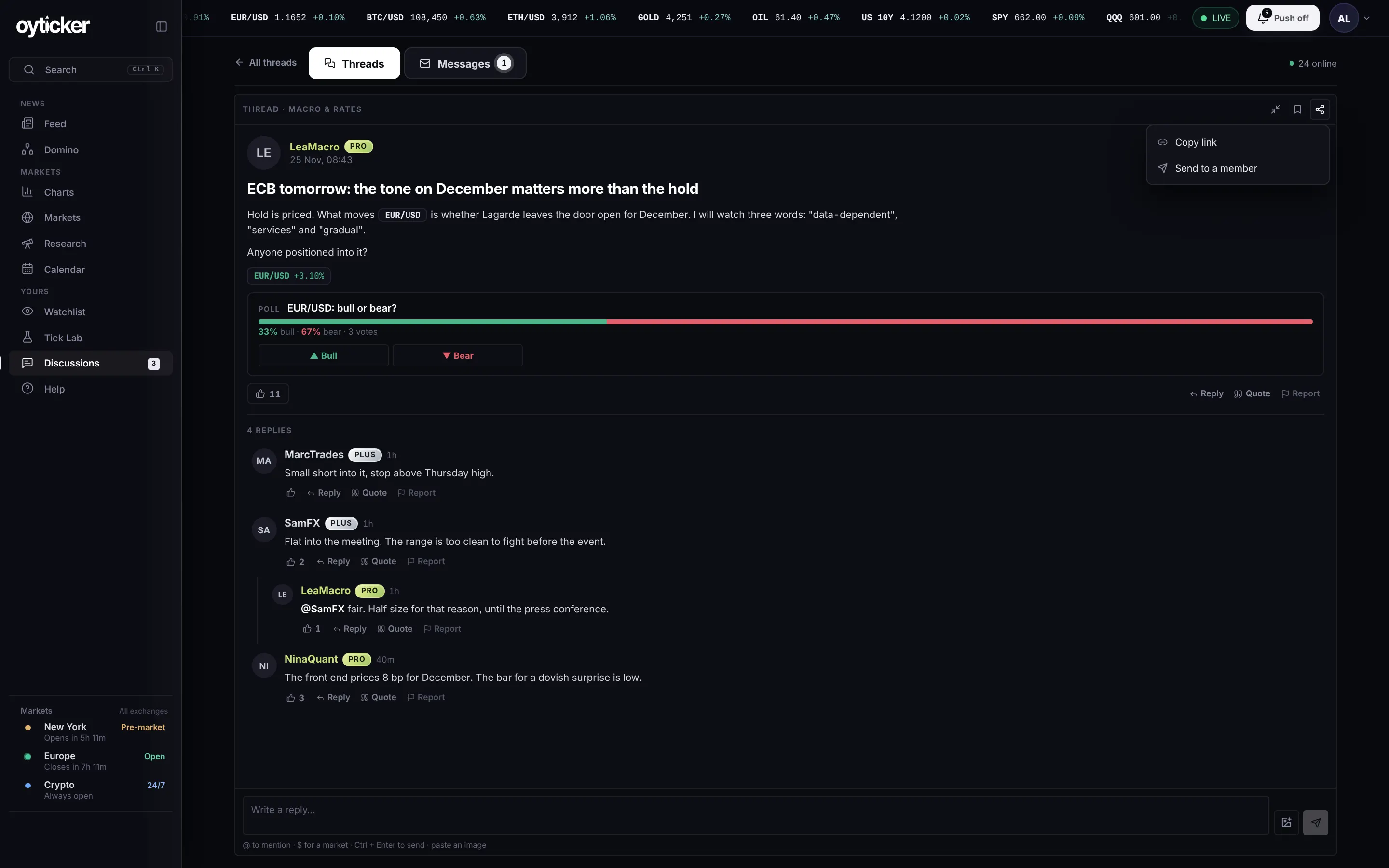
The bookmark keeps the thread in your Saved view. Share is beside it.
Copy link takes the thread's address. Send to a member puts it in your private conversation, as a card that opens the thread.
Your own thread or reply has Edit. You can delete it as long as nobody else has answered it.
- /
- Go to the search field
- Esc
- Close the thread open beside the list
- CtrlEnter
- Send a reply
Writing a thread
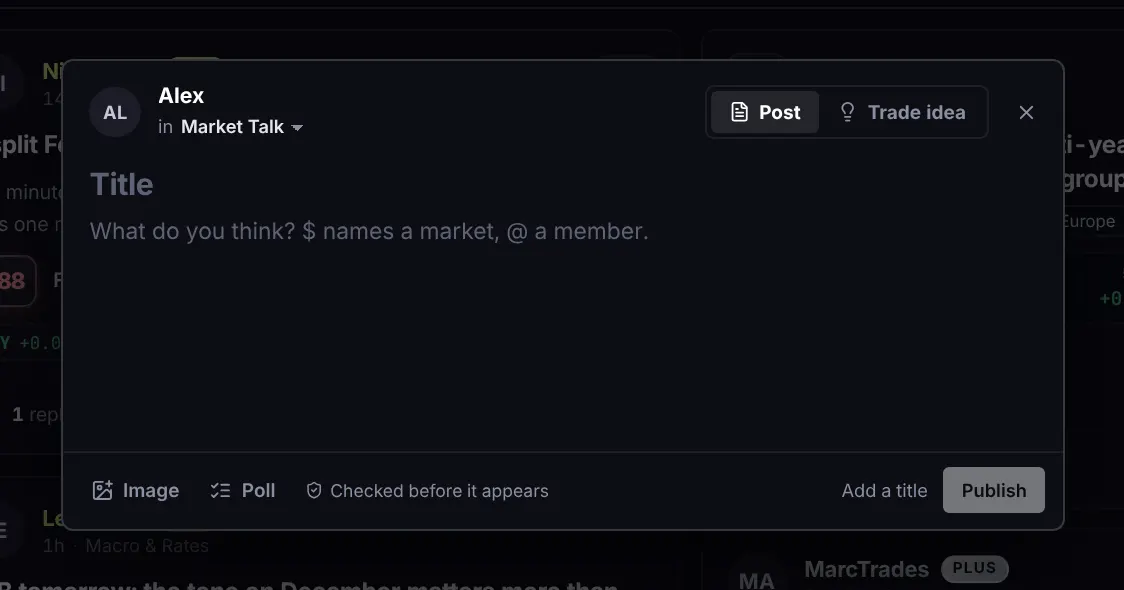
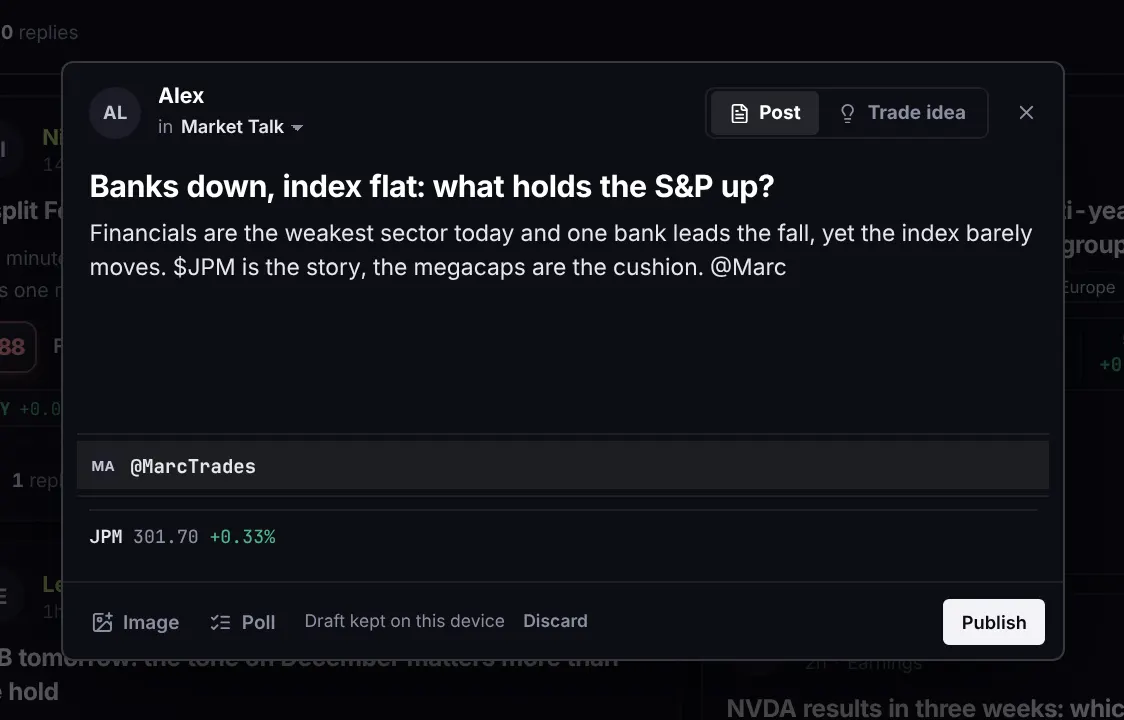
At the end of the bar above the list.
Your name, the topic the thread goes in, and its kind: a post or a trade idea.
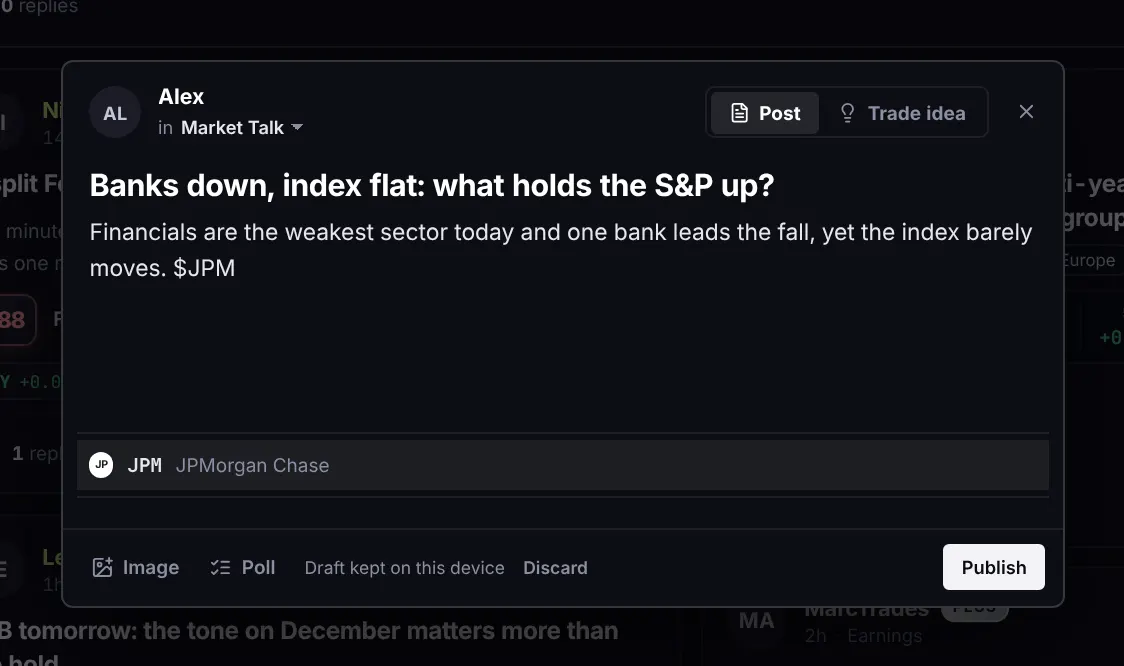
A title of 140 characters at most, then what you think.
Type $ and the first letters of a company, a currency, an index or a crypto. Enter takes the one that is lit.
The member is told about the thread.
Each market the text names so far, with its price and its move of the day.
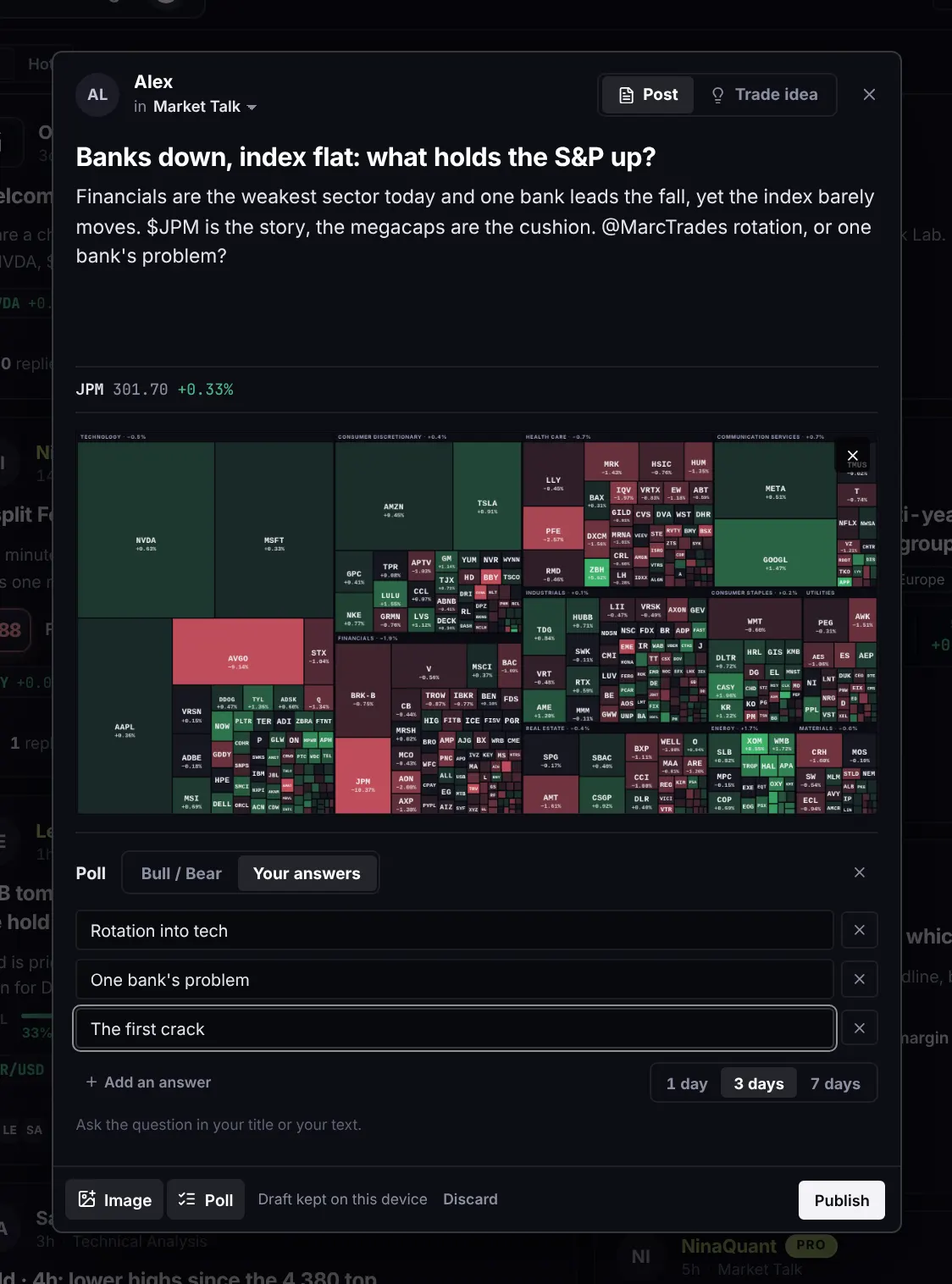
PNG, JPG or WEBP, up to 5 MB: chosen with Image, pasted, or dropped on the window.
Bull / Bear, or two to four answers of your own, open for one, three or seven days.
What you write is kept on this device for seven days: closing the window loses nothing. Discard empties it.
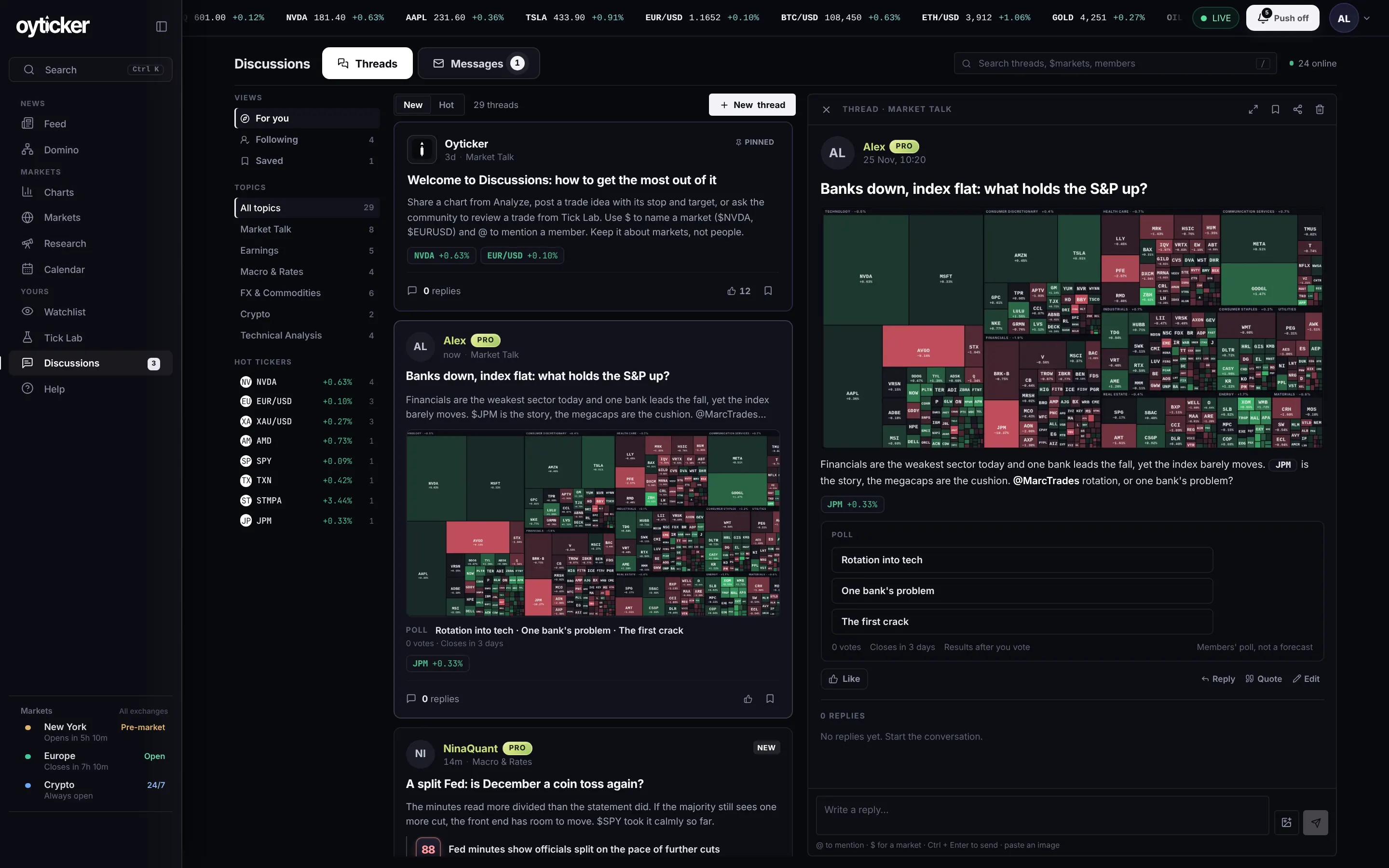
The thread is first in the list and open beside it. Every thread is checked before it appears.
Readers see the shares once they have voted, or when the poll closes.
Trade ideas
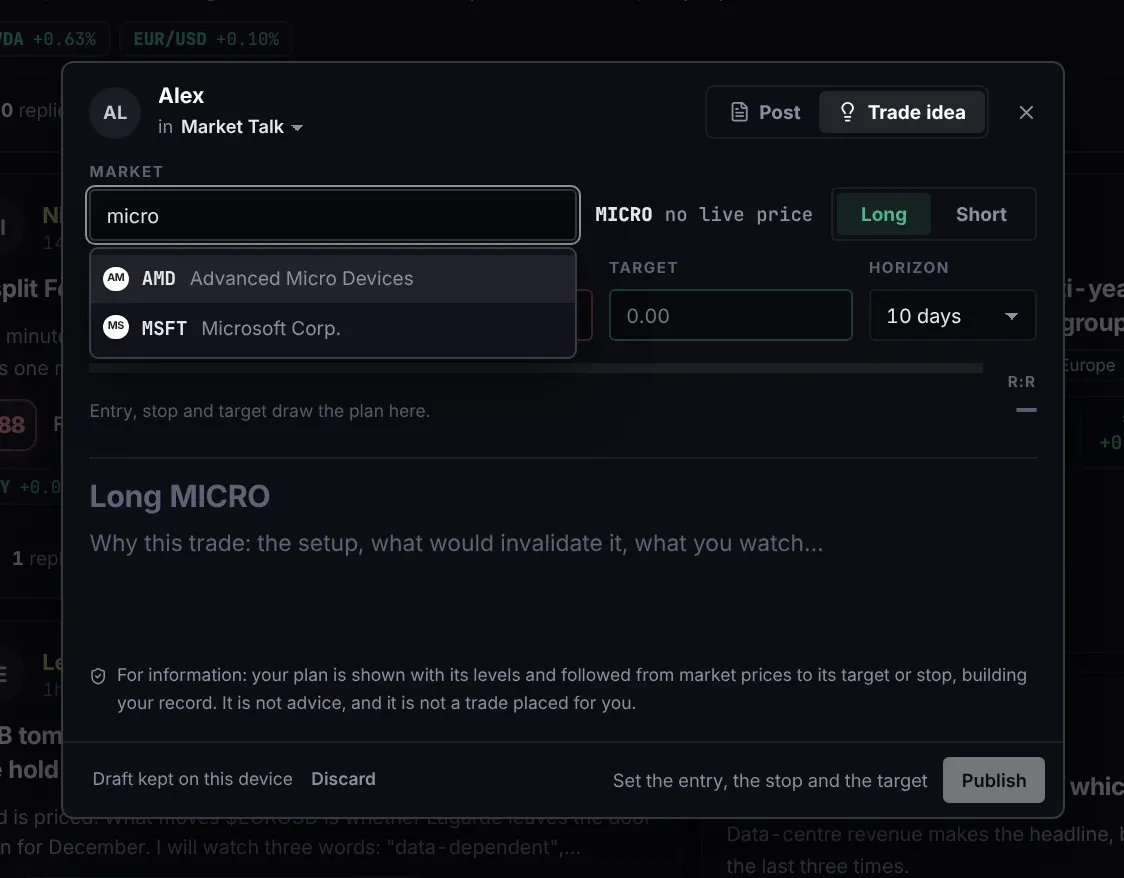
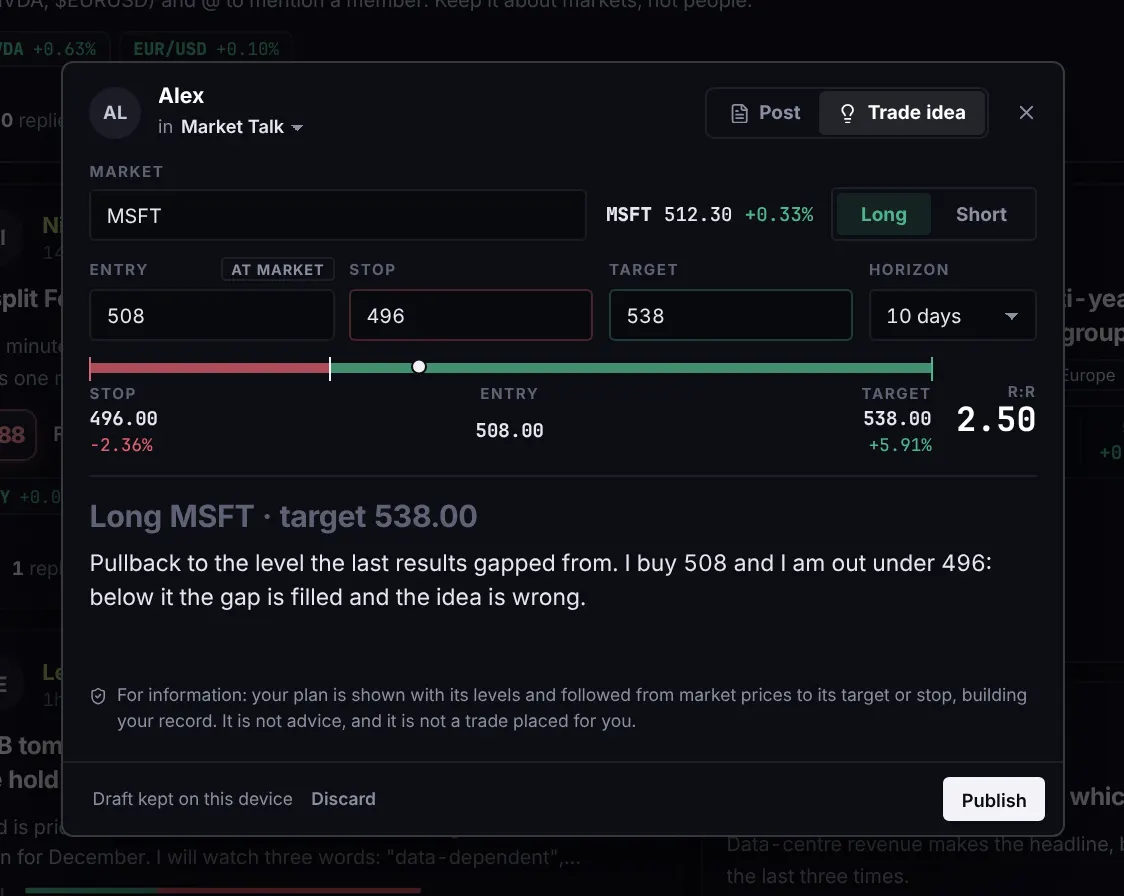
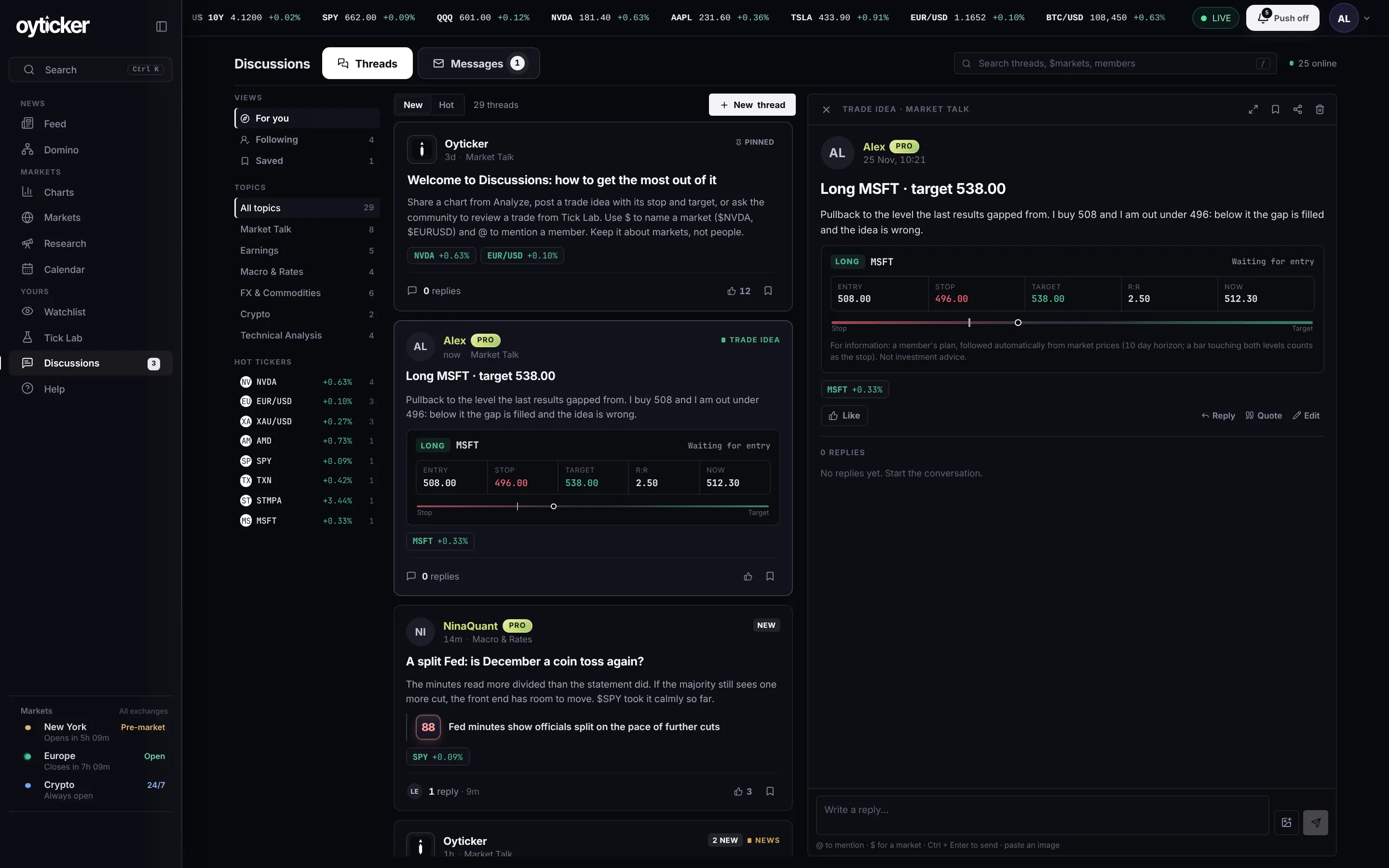
The second kind of thread.
Type a name or a symbol and choose in the list: a company, gold, a currency pair, a crypto.
The market's price now, then Long or Short.
At market takes the price now as the entry. Horizon is how long the idea is followed: 1 to 60 days.
From the lowest level to the highest: the stretch risked in red, the stretch aimed for in green, the price now, and the reward-to-risk ratio.
The title is proposed from the plan. The text says the setup and what would prove it wrong.
Waiting for entry until the price reaches your entry; then running, to the target, the stop or the end of the horizon.
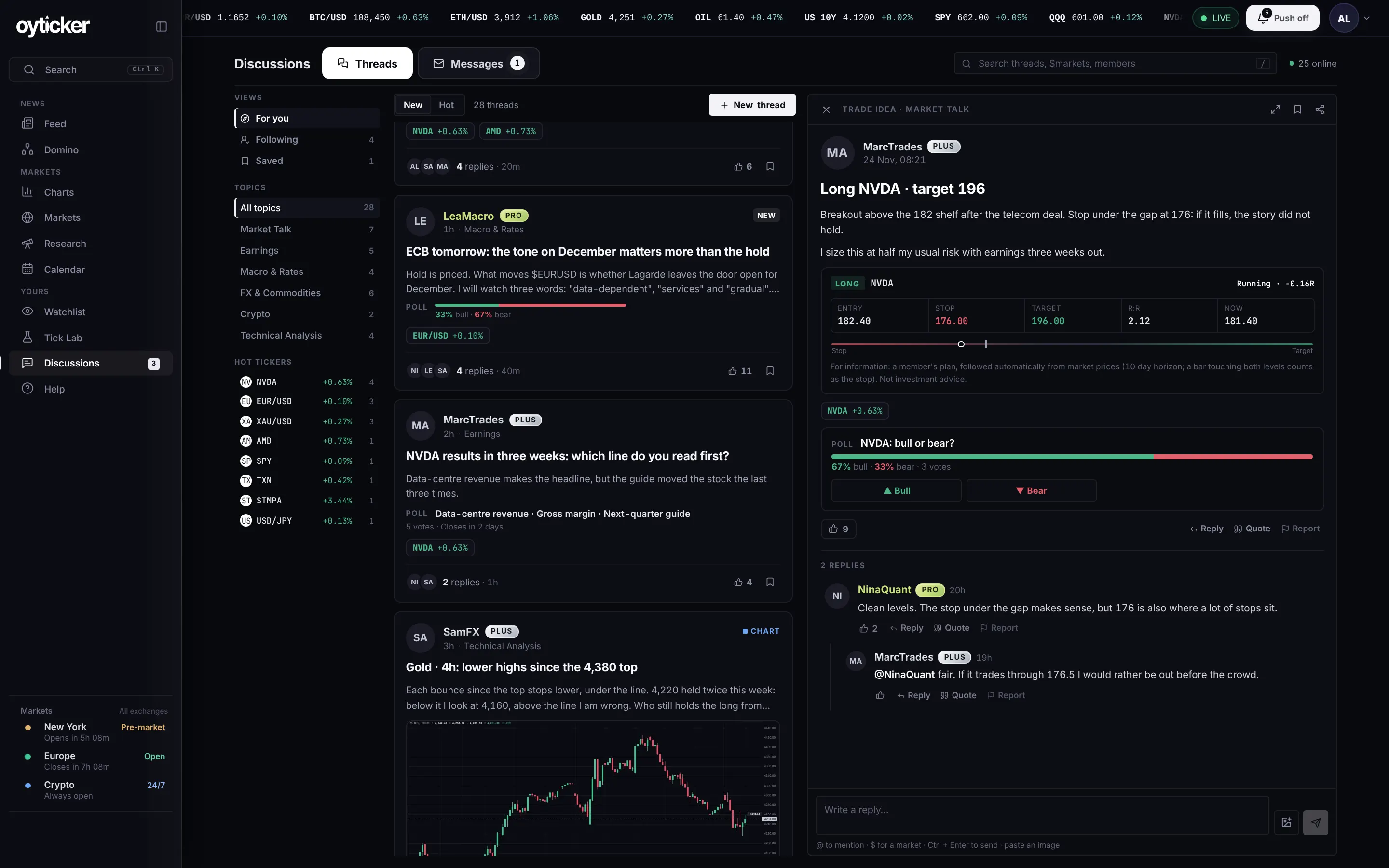
The card says where it stands. Open it for the whole plan.
Long or short, the market and the state: here running, with the result so far in R, the risk taken being 1R.
Entry, stop, target, the reward-to-risk ratio and the price now.
The tick is the entry, the dot the price now.
From market prices, over the horizon its author chose. A bar that touches both levels counts as the stop.
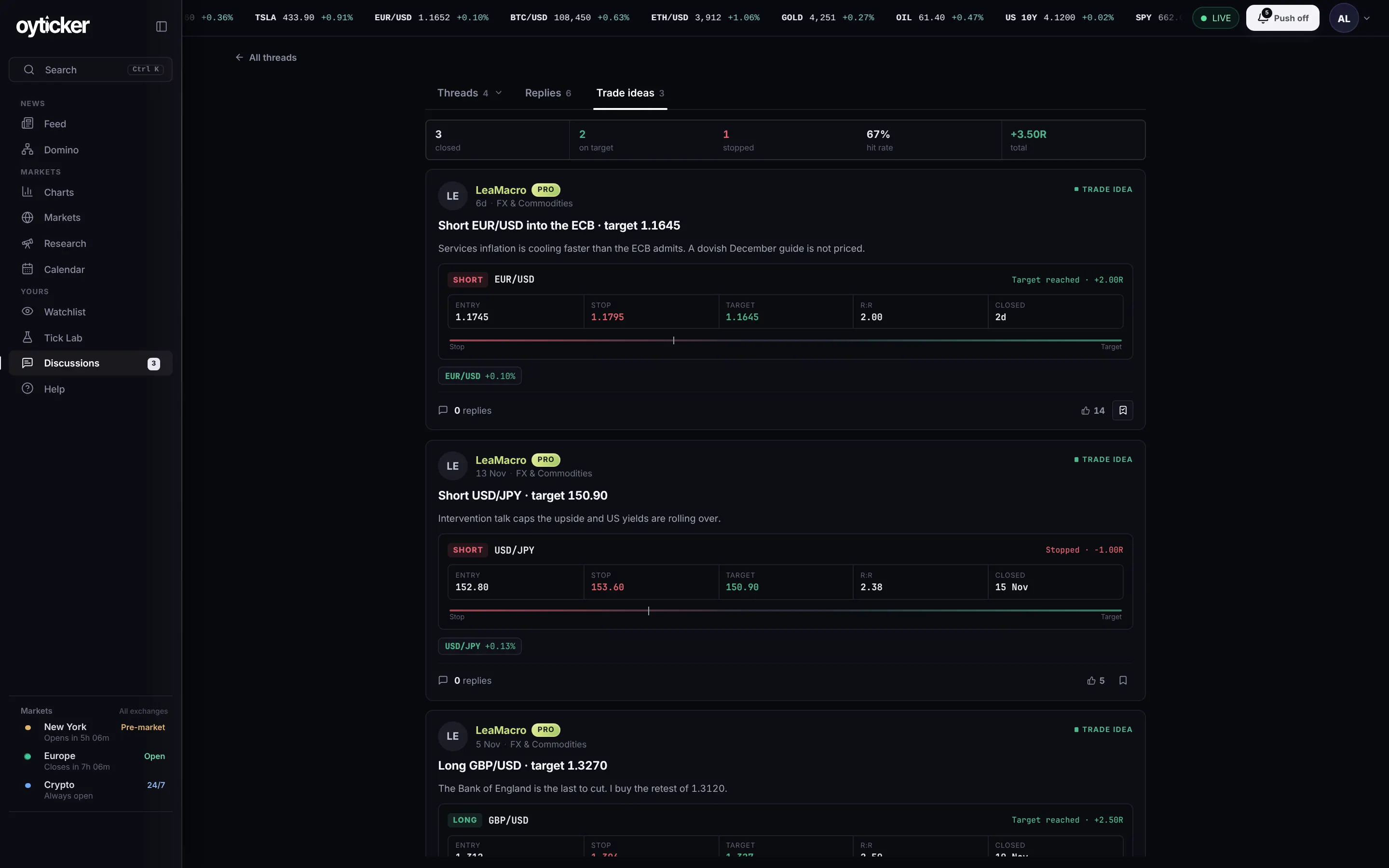
Target reached earns the reward-to-risk in R; stopped costs 1R. Closed says how long ago.
- Waiting for entry
- The price has not reached the entry yet.
- Running
- Entered. R is read from the last price.
- Target reached
- The target came first: plus the reward-to-risk, in R.
- Stopped
- The stop came first: minus 1R.
- Expired
- The horizon ended: closed at the last price if it was entered, not counted otherwise.
A trade idea is a member's plan, shown for information. It is not advice, and no trade is placed for anyone.
From a story, a chart, a trade
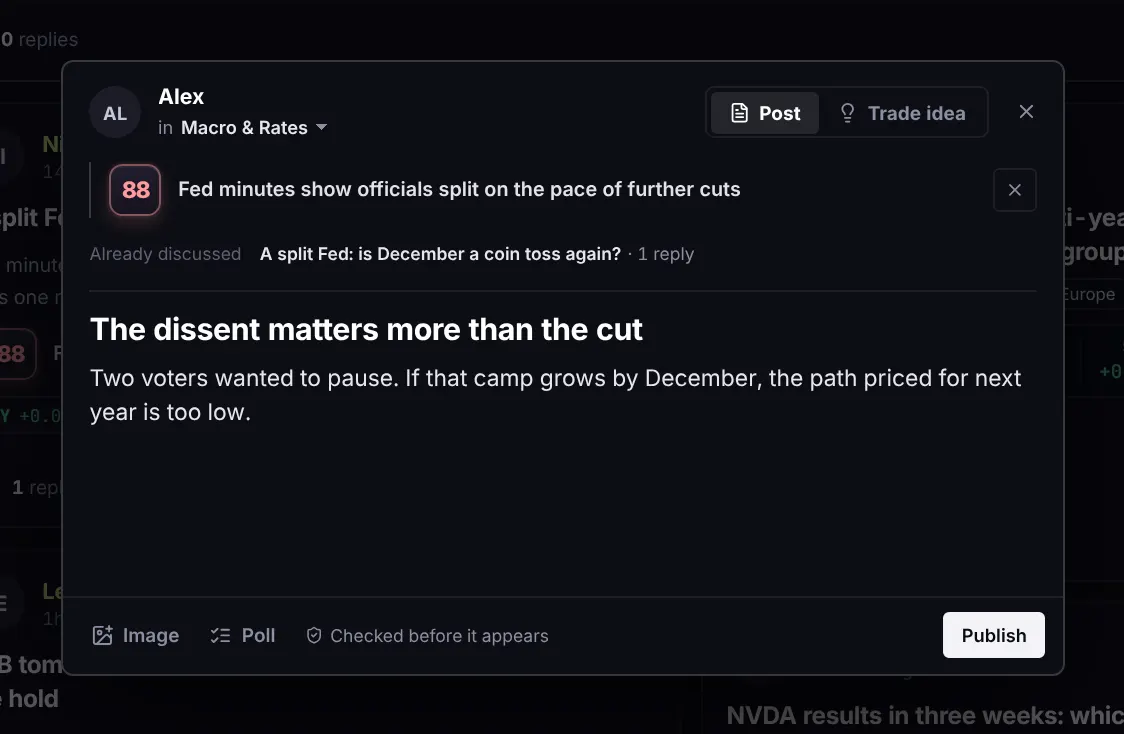
Discuss, above a story of the Feed, opens a post with the story attached: its impact and its headline.
The threads already about this story. Open one to reply there instead.
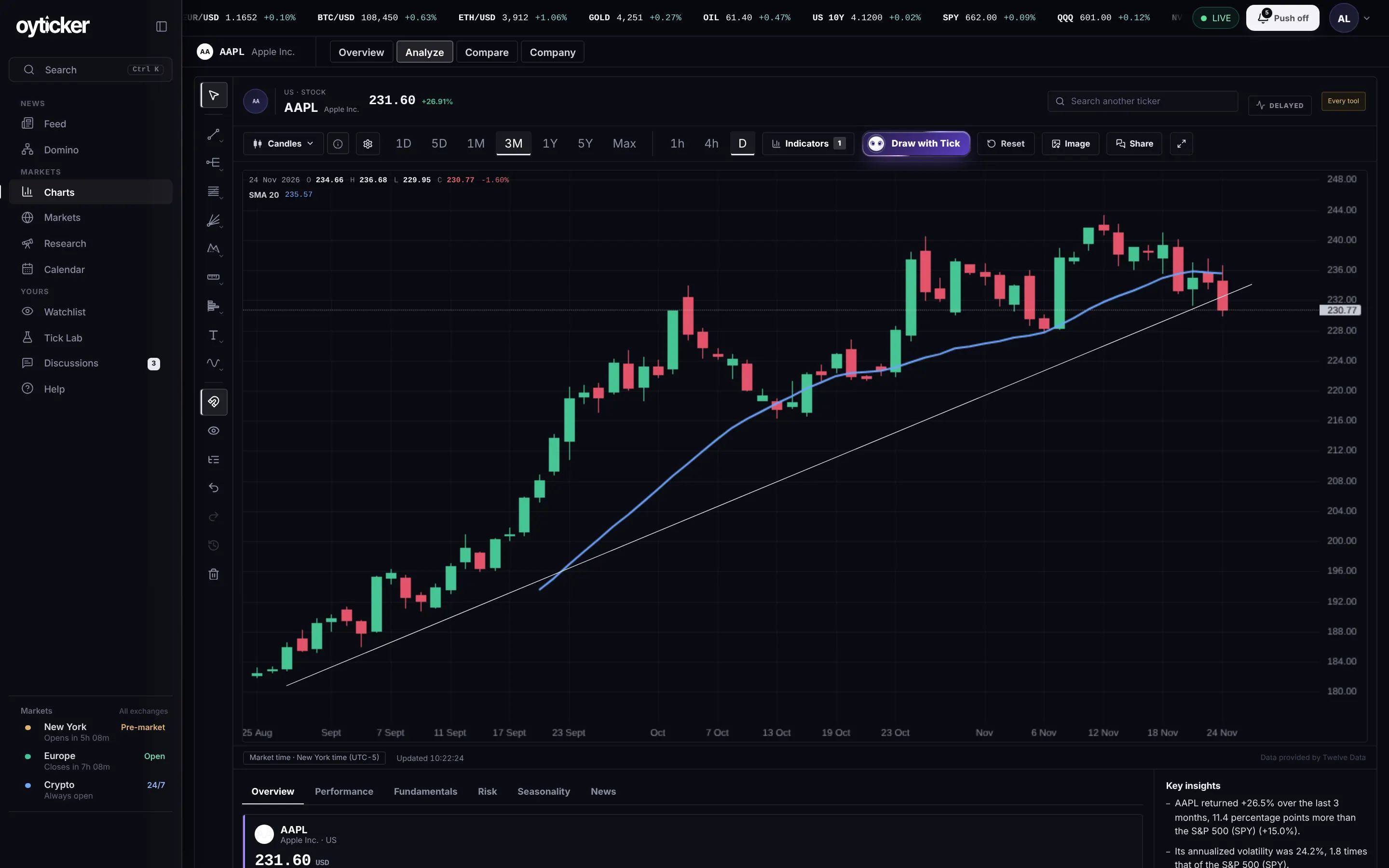
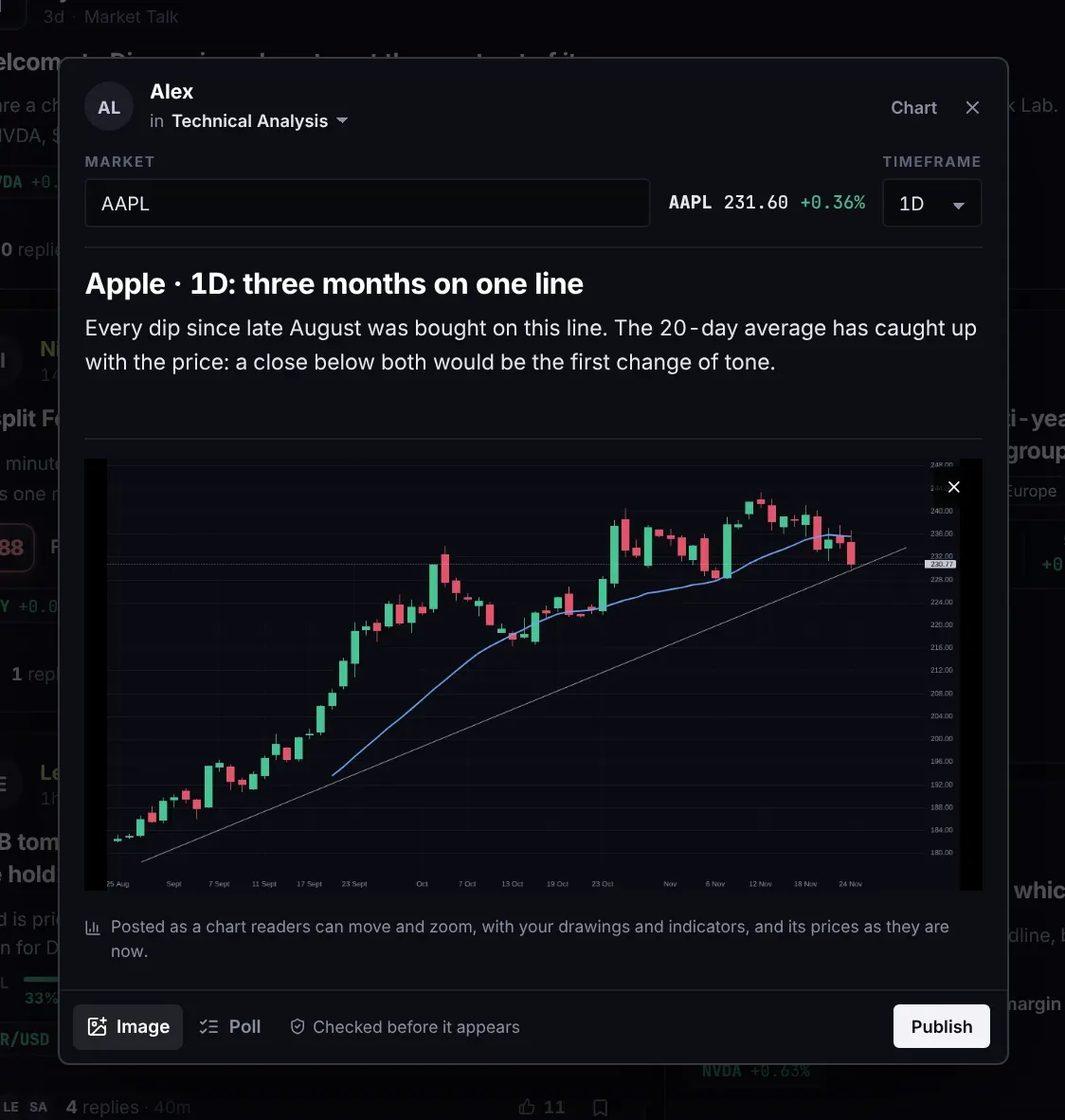
It sends the chart as it is, with your drawings and indicators.
Filled in from the chart.
Its picture, and the chart itself. Add what you see, and a poll if you want one.
Readers drag it, zoom it with + and −, and read its prices. Nothing in it can be changed.
As posted keeps the prices of the moment it was shared. Since then adds the later ones, with a marker on that moment.
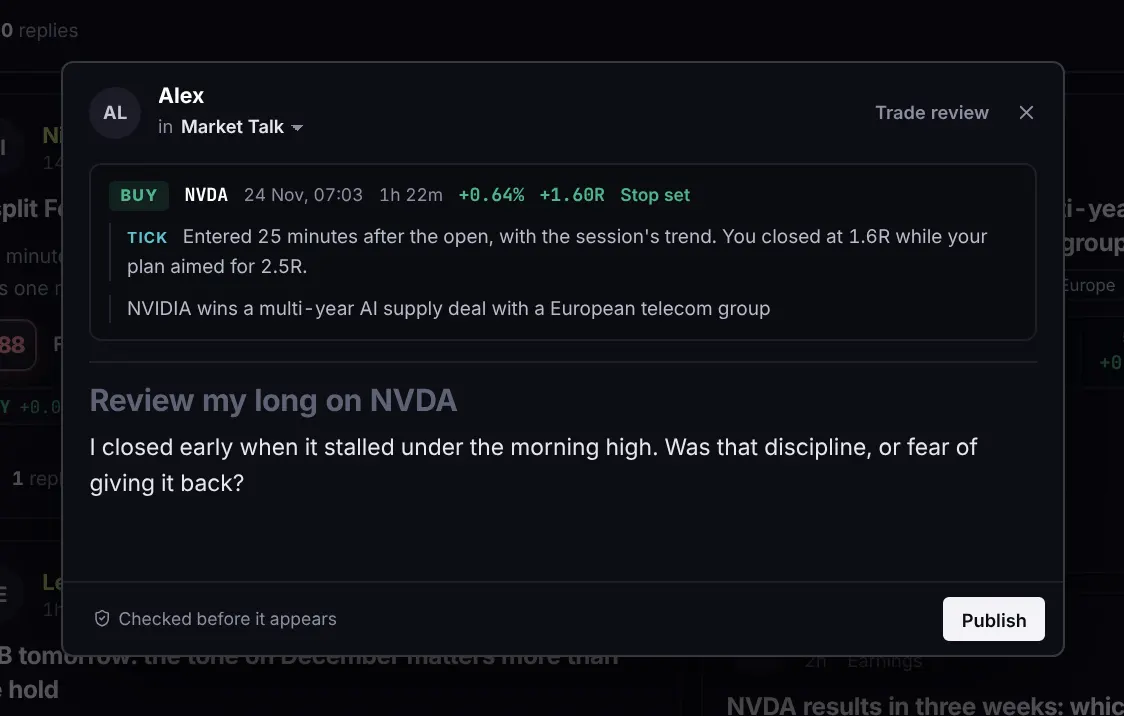
Ask the community, on a trade of your journal, brings it here: side, market, duration, result in % and in R, and Tick's note. Never an amount.
Say what you want feedback on: the entry, the stop, the exit.
Private messages
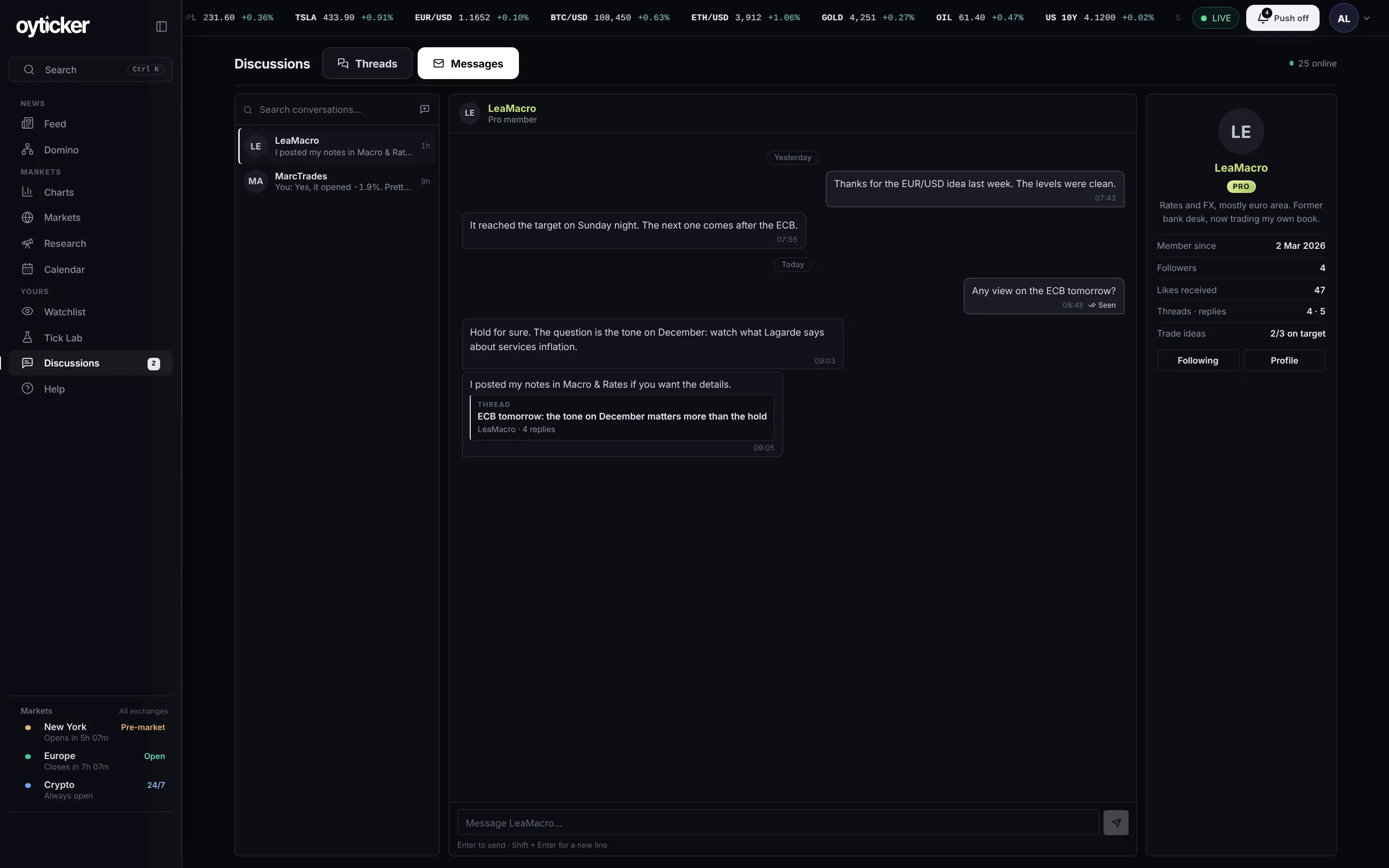
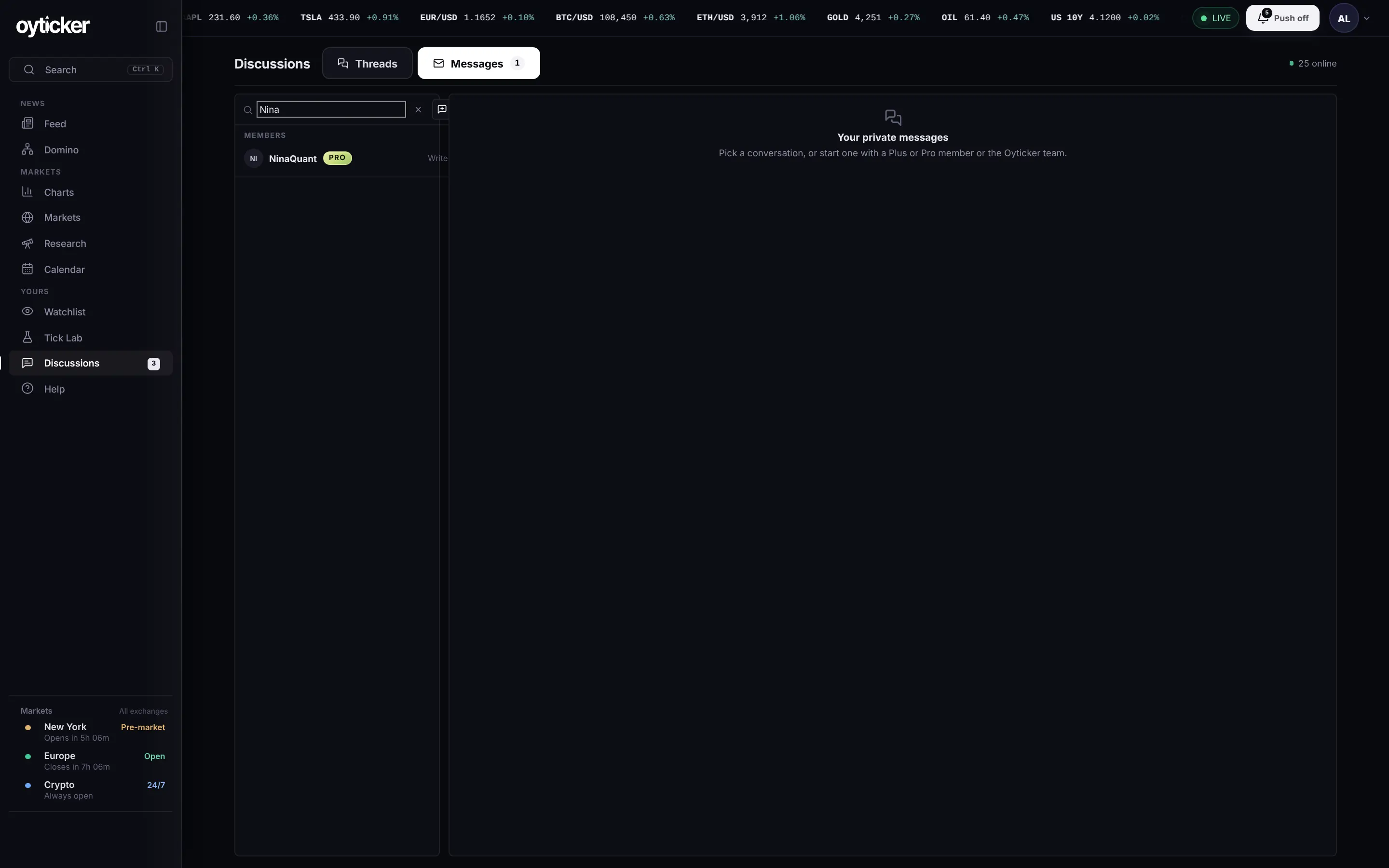
The second tab, with the number of messages you have not read.
The latest first, each with its last message.
Day by day. Seen shows under your last message once it was read. Enter sends, Shift + Enter starts a new line.
A thread sent in a message shows as a card. It opens the thread.
Their figures in Discussions, Follow, and their page.
Search your conversations, or start one with the button.
Type a name, then Write.
Members
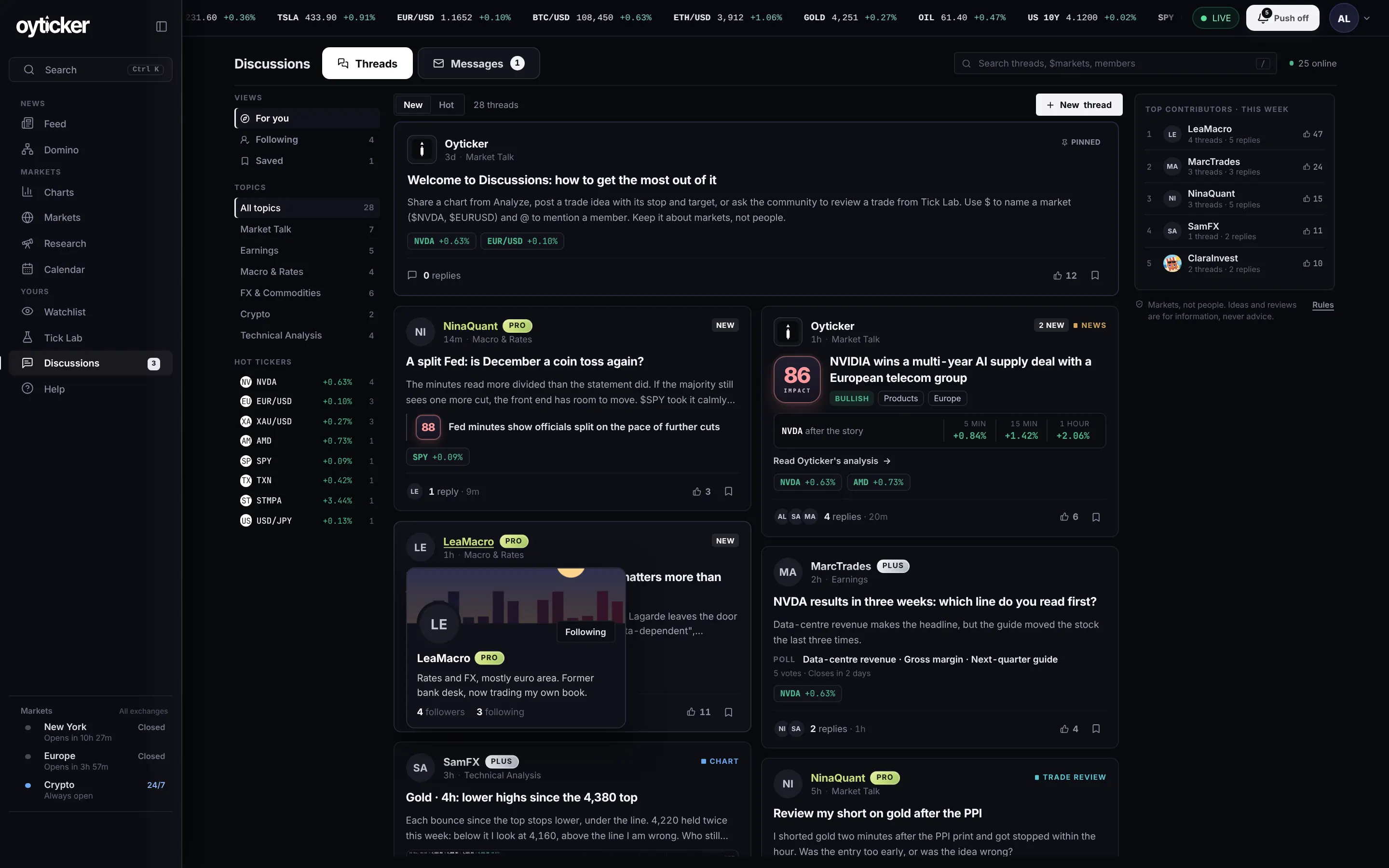
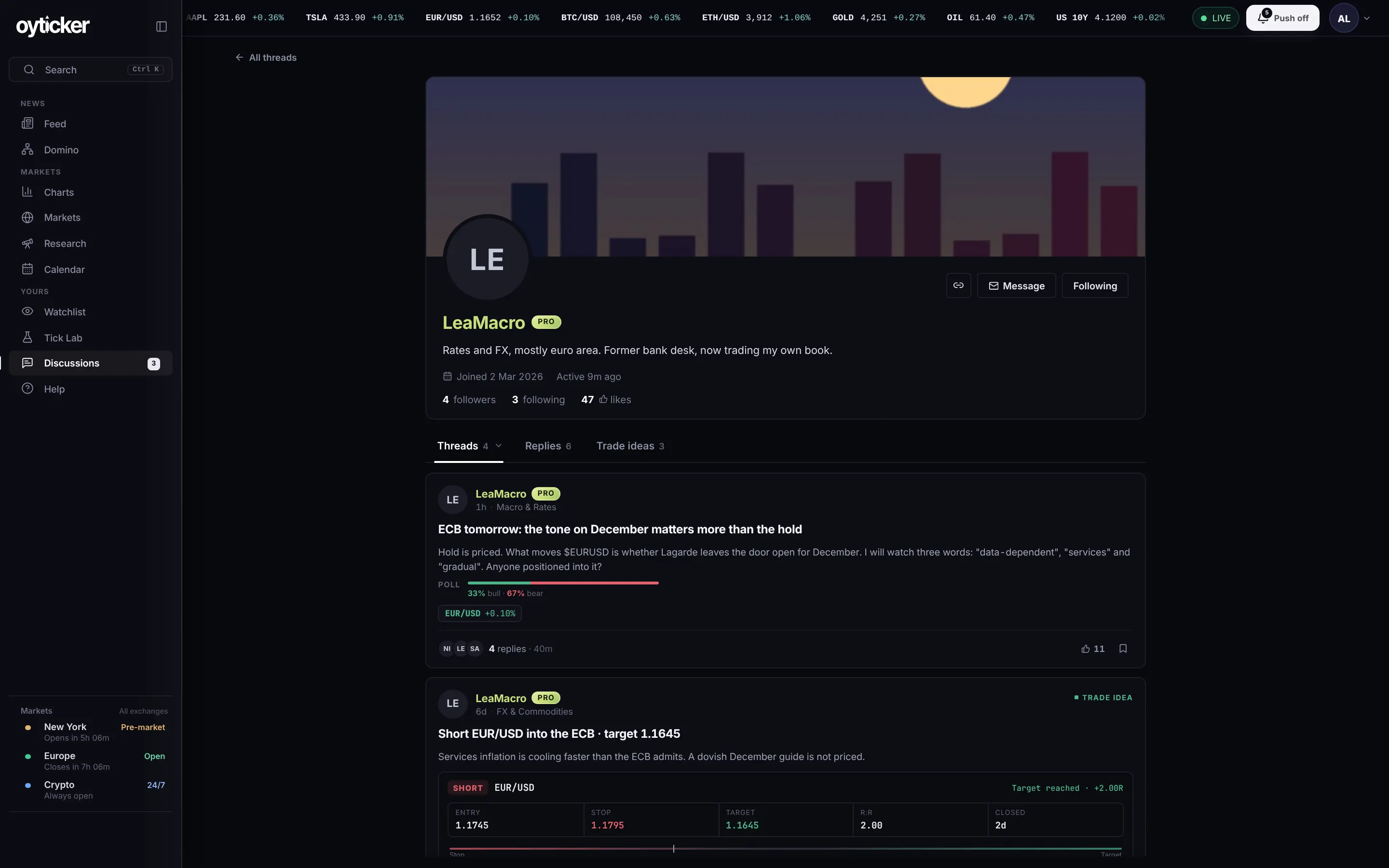
Rest the pointer on a name: bio, followers and Follow. The name opens the page.
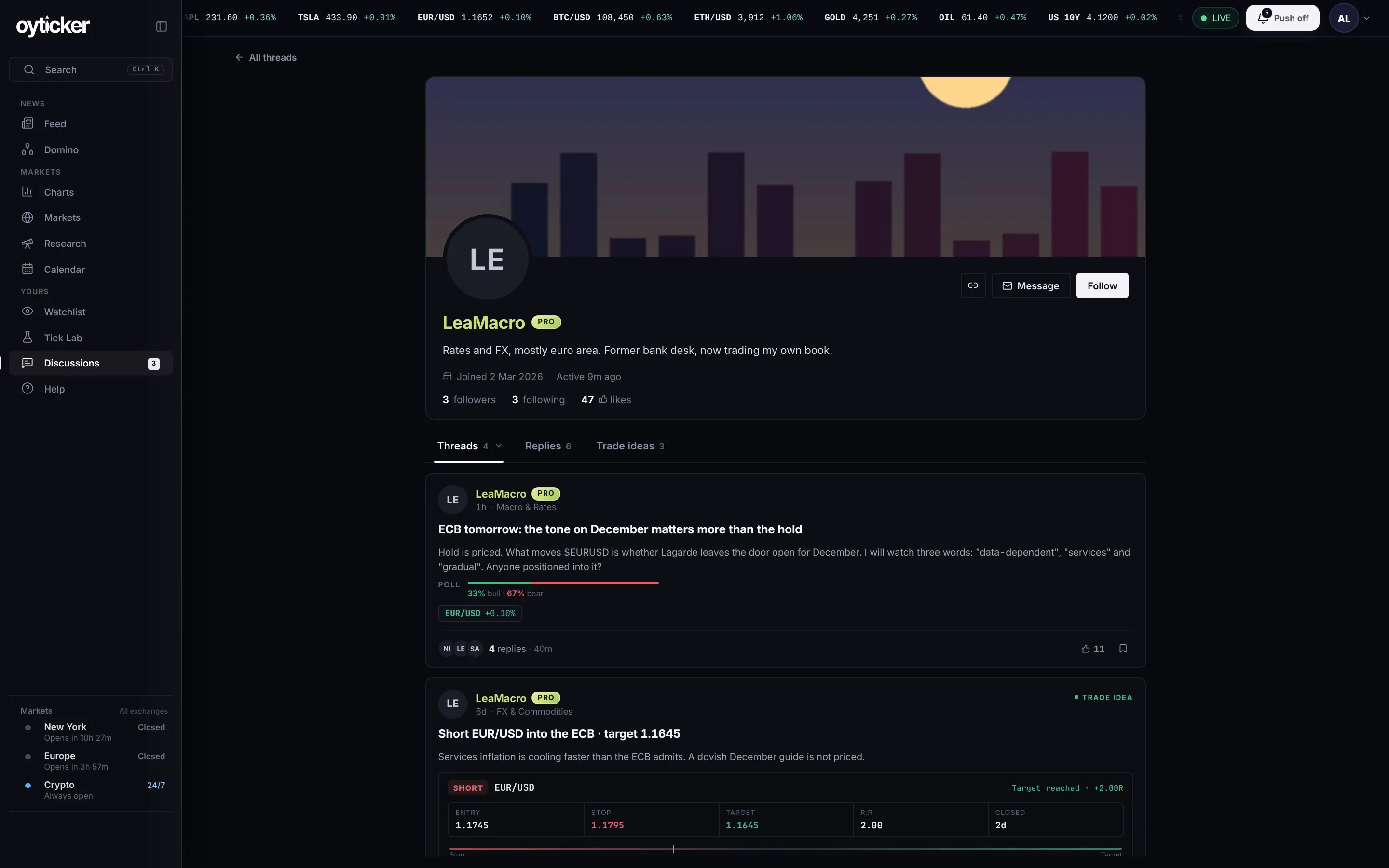
Bio, when they joined and were last active, followers, following and likes received.
Beside it: the link to the page, and Message to write to them in private.
Their threads now come in your Following view. Press again to stop.
Their threads, Recent or Popular first with the arrow; their replies; their trade ideas.
Closed ideas only: how many reached the target, how many were stopped, the hit rate and the total in R.
Profile, in the account menu, opens your own page. Edit profile there changes your picture, banner, name and bio.
The screens show simulated prices and stories.